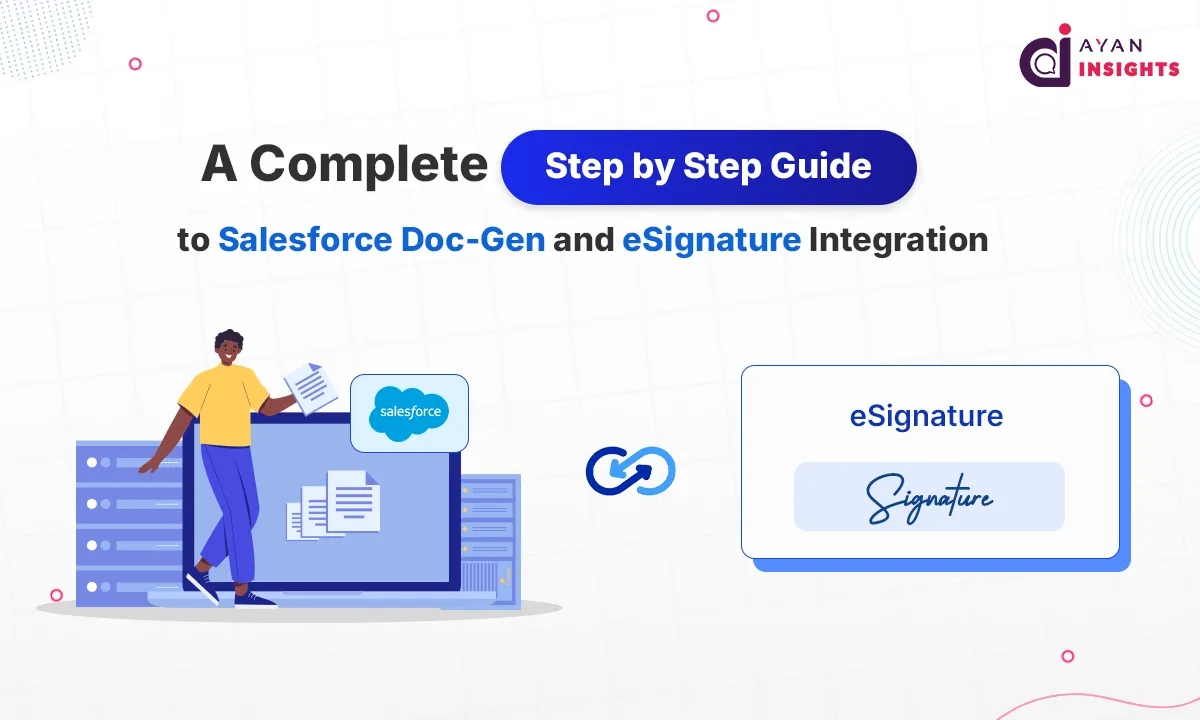
A Complete Step-by-Step Guide to Salesforce Doc-Gen and eSignature Integration

May 27, 2026
12 Views
A Complete Step-by-Step Guide to Salesforce Doc-Gen and eSignature Integration
Summarize this blog post with:

The business world in 2026 moves too fast for any delays to be a growth killer. A major sticking point in the sales process is generating and signing contracts. As a salesperson closes a deal, enters customer information manually into a Word template, composes an email and manually sends it for a digital signature, the chances of error can increase by a tremendous amount. One misspelled price point or misplaced legal provision can delay a deal for weeks, if not months, or even make a contract void.

The challenge for contemporary businesses is not that they don’t have the tools; it’s that they have disjointed systems. Using isolated platforms to track data, create documents and sign them adds up to a tremendous amount of administrative burden and compliance risk. It’s an operational inefficiency that can have a direct impact on an organization’s bottom line and stakeholder trust in an instant, in today’s digital-first customer service world.

The answer is to be able to integrate Salesforce Doc-Gen with your preferred eSignature toolset. With the automation of converting CRM data to a completed, legally binding contract, businesses can avoid manual entry errors, ensure compliance, and drastically shorten the contract cycle. This step-by-step guide presents the framework to create a holistic, secure and highly efficient document ecosystem in your Salesforce environment.

Step 1: Choosing Your Document Automation and eSignature Stack

The first step in configuring the technology is to match your tech with your logic for your business. Architecture should be able to manage complex data mapping with no loss of system performance.

This is essential for choosing your Doc-Gen Engine.

Salesforce has built-in features such as Salesforce Omni Studio Document Generation and Omni Script, but many businesses opt for powerful alternatives with Salesforce AppExchange based on their requirements:
  • Conga Composer or Nintex: Good for very complex formatting, conditional tables and multi-source data aggregation.
  • If your organization has developed a consistent workflow using Adobe Creative Cloud and Document Cloud architectures, Adobe Document Builder is a great choice.

Choosing Your eSignature Provider

Choose KAiZEN eSign, a trusted e-signature company with Salesforce integration, to ensure data can be shared both ways between platforms and updated automatically when a document is signed”

Step 2: Preparing Salesforce Data and Template Design

A flawless document generation process is entirely dependent on clean data architecture. When your object relationships aren’t well organized, your templates will not be rendered properly.

Creating the Document Template

With your selected Doc-Gen tool, you will create a master template (typically in the form of a Microsoft Word document).

  • Merge Fields: Place Salesforce field API names exactly like you would in the formula builder, such as {{Account.Name}} or {{Opportunity.Plug into the template where the dynamic text will be inserted (Amount}})
  • Conditional Logic: Apply “if-then” logic in the document. For example, if the opportunity region is EMEA, then the GDPR compliance clauses should be automatically added to the template

How to set up Anchor Tags for eSignatures

Hidden and/or visible “Anchor Strings” or “Merge Tags” need to be put within the template so that the person signing it is aware where to sign, initial and date. Type the value \s1\ in the white text to tell a tool such as DocuSign where to put the main signer’s signature box when it is converted to a signing session.

Step 3: Setting up the eSignature Integration and Connected Apps

After you upload your template into Salesforce, you will need to secure Salesforce and your eSignature engine.

Authentication via OAuth

Go to the AppExchange package settings of your signing tool in Salesforce and start the connection. This process uses OAuth to securely link the two environments via a Connected App, ensuring Salesforce can safely pass PDFs and recipient emails to the external signing server without exposing user passwords.

Mapping Write-Back Fields

At the heart of this integration is bi-directional data sync. The features “Status Mapping” should be set up in the tool:

  • Once it has been sent, update the Opportunity Stage to “Contract Sent”
  • Once a document is fully signed, automatically update the Stage to “Closed-Won” and add the final executed PDF to the Salesforce record Files component, as well as update contract start dates

Step 4: Automating the User Experience with Flows

The document generation and delivery workflow should be as “click-free” for your end-users as possible so that they are as efficient as possible.

  • Custom Button Approach: You can build a basic Lightning Web Component (LWC) or action button for the Opportunity layout titled “Generate and Send Contract. On click, it initiates a background process to retrieve the template, create the PDF, add the recipient’s email address to the Contact Roles and send it to the eSignature cloud.
  • With Salesforce Flow, you can eliminate any human involvement by using Fully Autonomous Triggers. An example of this would be if a discount quote is approved by an internal manager through Salesforce Approvals; the flow can automatically create the document and send it to the client on the spot.

Highlights and advantages for the operational leaders.

Turnaround is drastically reduced: Contracts that previously could take days to draft; mail and countersign are completed in a matter of minutes.

Perfect Compliant Audit Trails: Each document signed is accompanied by a digital certificate of completion with IP address and time stamps, protecting your business from future legal challenges.

Better Strategic Visibility: Executive leadership can have visibility into any bottlenecks in real-time-how long a contract spends in a client’s inbox before signing.

FAQ’s: Frequently Asked Questions

Yes. You can set up “Routing Orders” using native eSignature packages. The system can be programmed to send the contract to the client first and then when the client signs it will automatically route to the internal VP for final countersign.

No. Recipient signers do not need any access to Salesforce. They are sent an email or SMS containing a secure encrypted link which they can then use to safely sign the signature in a web browser.

The eSignature platform passes back to Salesforce when the final signature has been captured and uploads the completed eSignature directly into the Files or Notes & Attachments section of the record that the eSignature was used on.

Conclusion

The decision to merge Salesforce Doc-Gen and eSignature systems represents a fundamental change towards an optimized process with no friction. Organizations safeguard their profit margins and provide their clients with the modern and professional experience they expect by converting a traditional manual system into a secure and automated one. It turns contract management from an operational constraint to a business competitive advantage.
However, creating an enterprise-level document automation solution is a very complex task and involves a deep understanding of Salesforce’s data structures, security permissions, and external API mappings. Security and mismatches of data can occur due to minor misconfiguration.

The best way to make sure you’re protecting the investment and have a smooth, compliant rollout is to work with a Salesforce Service Partner. The right partner supplies the advanced expertise in engineering that is needed to tailor templates, trigger advanced workflows, and guarantee end-to-end data pipelines. By working closely with committed staff, you can leverage digital transformation as a repeatable force for known business expansion.

How useful was this post?

Click on a star to rate it!

Average rating 0 / 5. Vote count: 0

No votes so far! Be the first to rate this post.

Written by

Gopinath G

Passionate about the intersection of cutting-edge technologies and their applications in Industry 4.0. I delve into topics like Artificial Intelligence, Machine Learning, Big Data, and the Internet of Things, exploring their transformative potential in modern industries. Eager to engage in discussions, share insights, and learn from others on these exciting frontiers.

Get the latest tips, news, updates, advice, inspiration, and more….

Contributor of the month
contributor
Antonina Kharchenko

Technical Writer, Salesforce Admin at SFApps.info

...
Categories
...
Boost Your Brand's Visibility

Want to promote your products/services in front of more customers?

...

Leave a Reply

Your email address will not be published. Required fields are marked *