
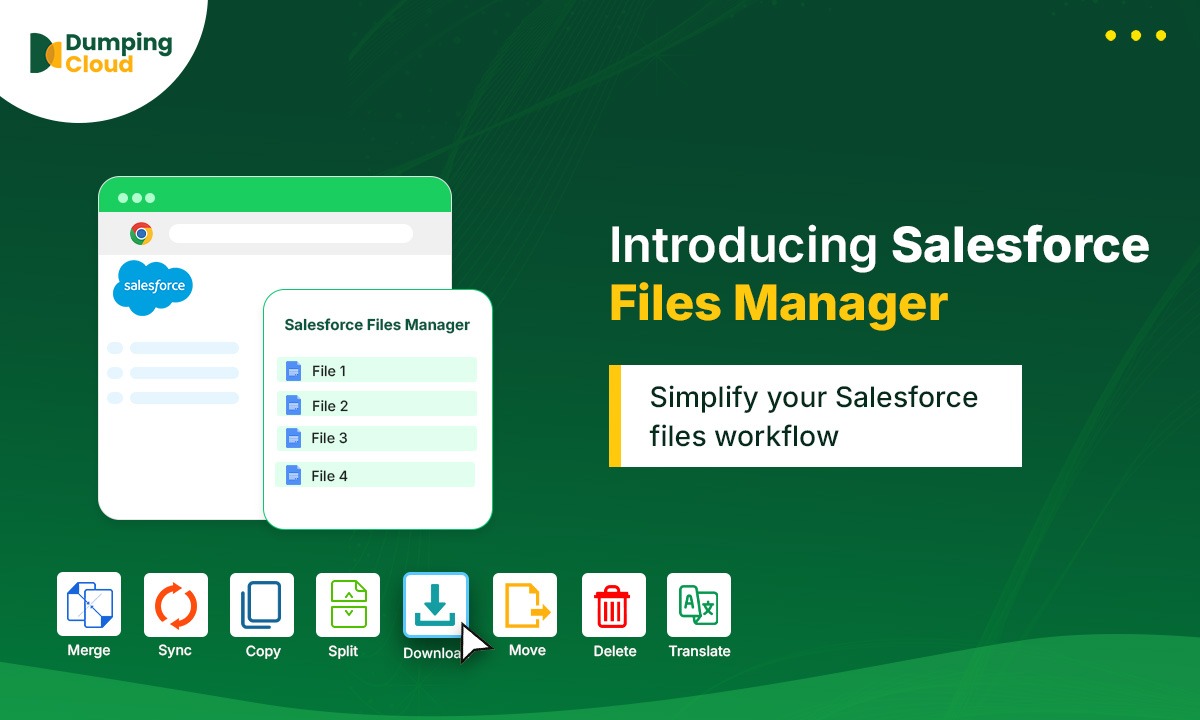
banner

Salesforce Files Manager

What is Salesforce Files Manager

Salesforce is brilliant at managing records. Files are a different story. No bulk actions, no rename, no watermark, no move — just a list of files and a download button that works one at a time. Salesforce Files Manager fixes that from directly inside your browser.

No Login Required

Automatically detects your active Salesforce session. Install it, open a record, and go. No separate platform, no credentials to manage.

No More Apex or Data Loader

Bulk download, delete, move, and rename files without writing a script or building a Data Loader job every time something changes.

Zero Metadata Loss

Rename and move files without stripping upload dates, version history, or tied metadata — the trade-off you're forced into with manual download-reupload workarounds.

Built-In Watermarking & PDF Tools

Apply watermarks and split or merge PDFs directly from the record page. No download, no Acrobat, no re-upload round-trip.

Cut Salesforce Storage Costs

Sync older files to Google Drive, AWS S3, or OneDrive without a custom Apex integration, MuleSoft flow, or Zapier job to maintain.

Faster Compliance & Audit Response

Preview, compare, and export files in bulk so compliance and legal requests stop eating half a day per ask.

What You'll Learn in This Series

Nine focused episodes, each covering one file operation Salesforce should have shipped natively — from installing the extension to running bulk actions, moves, renames, comparisons, and watermarks, all without leaving the record page.

01

EP

Introduction

A complete overview of why native Salesforce Files management breaks down at scale, the eight pain points every admin runs into, and how Salesforce Files Manager solves them from directly inside the browser — no separate platform, no developer required.

02

EP

Setup

A step-by-step walkthrough of getting Salesforce Files Manager running in your browser. No login setup, no configuration, no developer needed — just install and it detects your active Salesforce session automatically.

03

EP

Bulk Download

Managing downloads at scale without a single Apex script. Learn how to select one file or hundreds across a record and pull them all in a single action, replacing the one-at-a-time click cycle Salesforce forces on you natively.

04

EP

Bulk Delete

Clean up storage without writing SOQL first. A walkthrough of selecting and removing files in bulk, whether you're clearing duplicate uploads, old integration outputs, or a single stray file.

05

EP

Move Files

Ending the ContentDocumentLink workaround for good. How to move a file from one record to another directly, without querying, deleting, and recreating links behind the scenes.

06

EP

Copy Files

Duplicate a proposal template, contract, or attachment across multiple records in one action, instead of running separate Data Loader operations for every destination.

07

EP

Rename

Naming conventions enforced at scale, finally. Apply consistent naming patterns across hundreds of integration-dumped or vendor-uploaded files without losing upload dates or version history.

08

EP

Compare

Audit files without leaving the record page. See how side-by-side comparison replaces the download-open-compare-return cycle legal and compliance teams repeat daily.

09

EP

Watermarking

Stamp any file in clicks, not steps. A look at applying text or image watermarks to confidential reports, NDAs, and draft proposals without leaving Salesforce.

Who Is This Series For?

Built for anyone who has ever lost an afternoon to a task Salesforce Files should have handled in five minutes.

Salesforce Admins

Handle bulk file operations, cleanup, and renaming without raising a developer ticket for every request.

Salesforce Developers

Skip the recurring Apex scripts and Data Loader jobs built just to move or bulk-manage files.

Compliance & Legal Teams

Preview, compare, and watermark documents in place, with an audit trail that survives renames and moves.

IT & Storage Owners

Control the Salesforce storage bill with native-feeling archival to Drive, S3, or OneDrive, no integration maintenance required.

Sales & Ops Teams

Move proposals and contracts across records and out for signature without leaving the record page.

Salesforce Consultants

Evaluate Salesforce Files Manager for client orgs and recommend it with a clear before-and-after story for file operations.

Start Fixing Your Salesforce File Workflow Today

Bookmark this page and follow along as each episode releases. From installing the extension to bulk downloads, moves, renames, comparisons, and watermarks, we'll cover every operation Salesforce Files should have had from day one.

Salesforce Files Manager – Introduction

Let me paint a picture you might recognise. Your manager walks over and asks you to pull all the contracts from 50 closed Opportunity records. Or your compliance team needs every file on a set of Accounts watermarked with ‘CONFIDENTIAL’ before they go out to a third party. Or an integration has dumped 300 files […]

Read More

11 Views