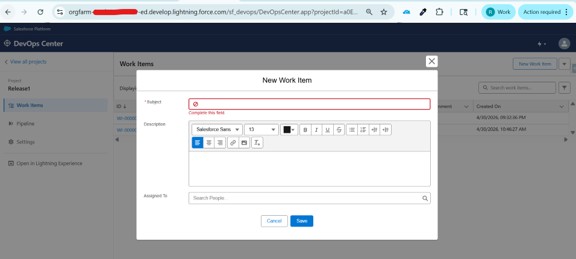
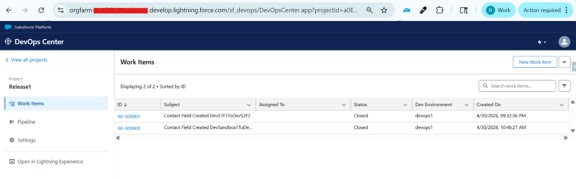
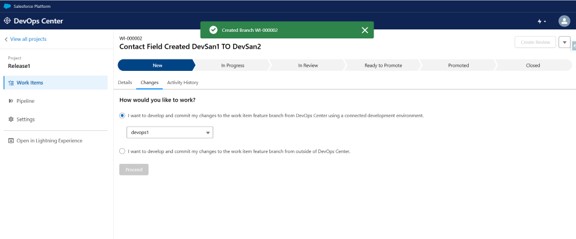
Where do Work Items exist in DevOps Center
Work Items are created and managed within a DevOps Center Project and are used to track development tasks and associated changes.
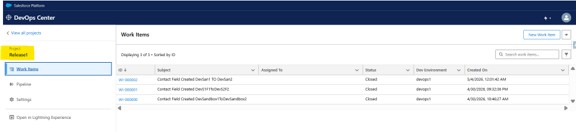
Work Item Lifecycle
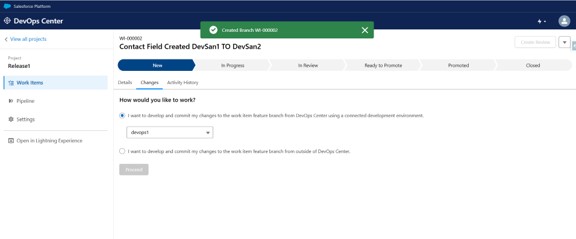
A typical Work Item goes through the following stages:
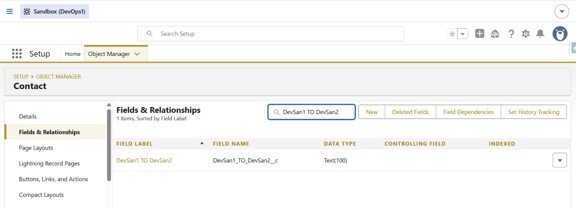
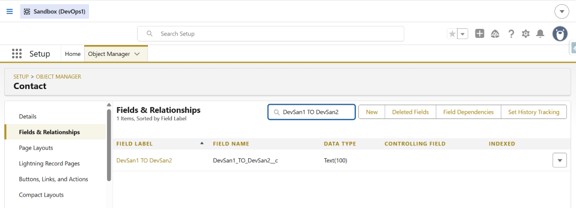
Create field on Contact:
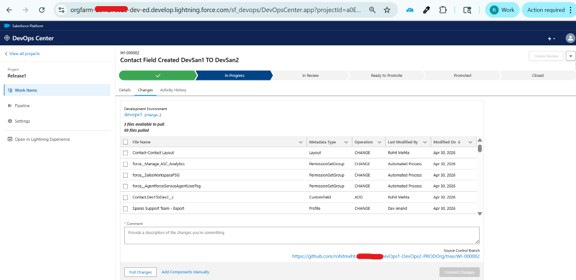
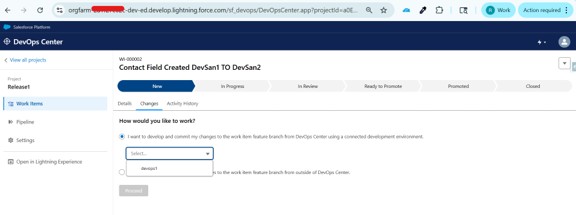
Click on Pull Changes Button and selected file(Created Contact.field_name):
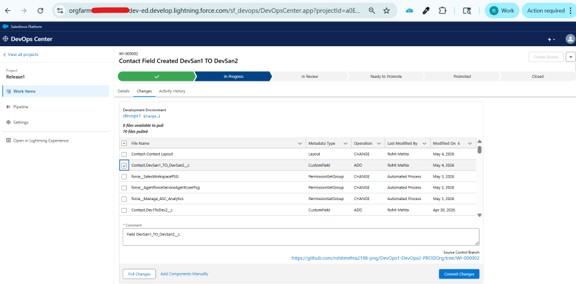
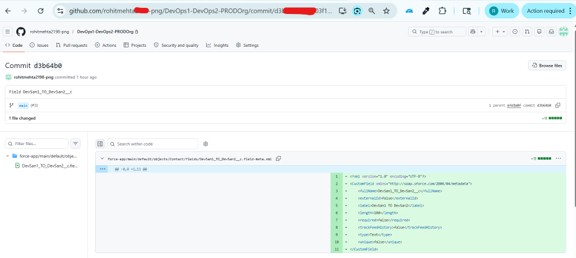
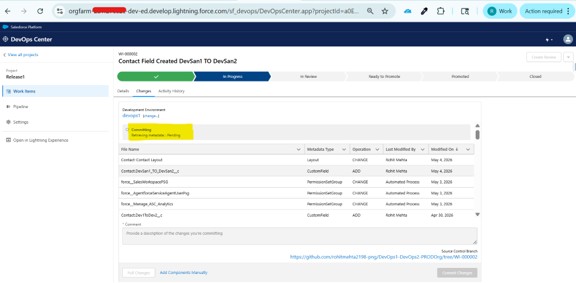
Commit the changes:
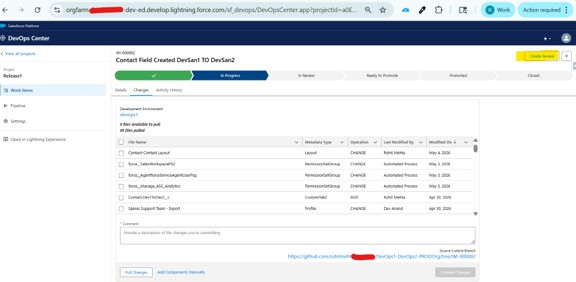
Enabled Review Button:
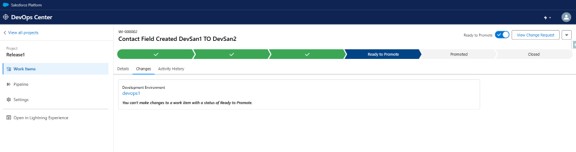
Enabled Ready to Promote:
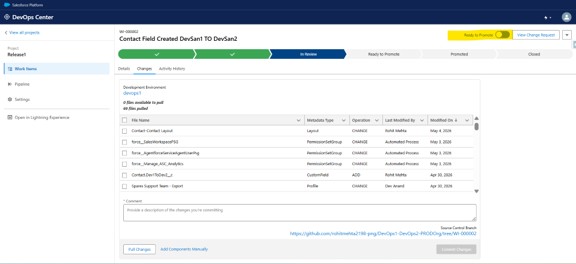
Ready to Promote :
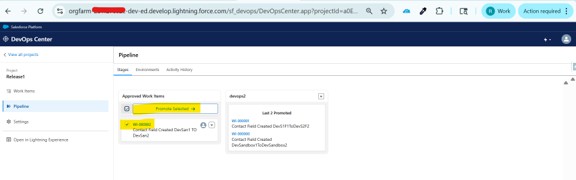
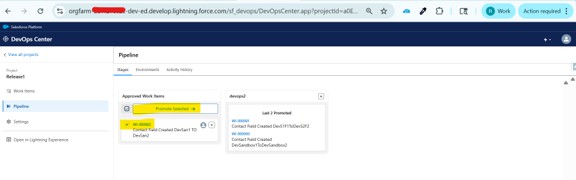
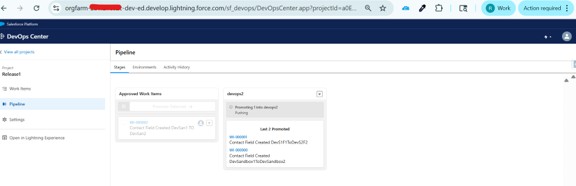
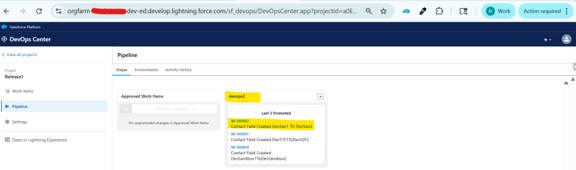
After the Work Item is in Ready to Promote status, navigate to the Pipeline, find it under Approved Work Items, select it, and click Promote.
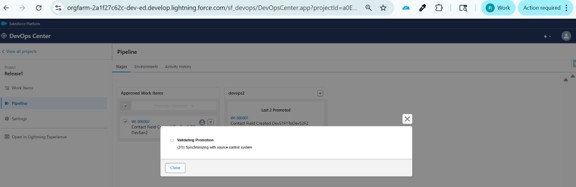
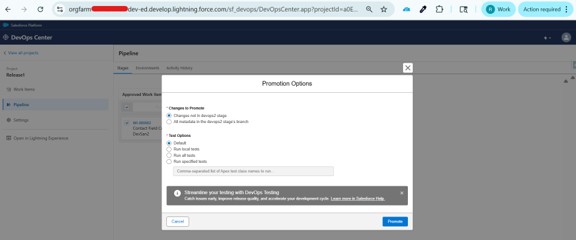
Select the required promotion criteria/options, then click the “Promote” button:
Successfully Deployed:
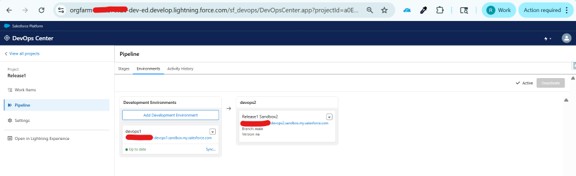
Environments:
Activity History:

Key Benefit
- Create Work Item
- Start Work
- Make changes in Development Environment
Conclusion
The work items play a core role in the DevOps Center, as they connect all your development tasks with the actual changes and deployments. By using these Work Items, you can manage the development in a structured and organized way while ensuring full visibility across the lifecycle.
This approach not only improves the team collaboration but also ensures that every change is properly tracked and deployed with full confidence.
👉 In the next blog, we will explore Salesforce Devops Center Vs Azure Devops.
Also Read
Don’t forget to check out: Master Salesforce Flows