How to Manage Work Items and Change Tracking in Salesforce DevOps Center Guide

June 19, 2026
104 Views
How to Manage Work Items and Change Tracking in Salesforce DevOps Center Guide

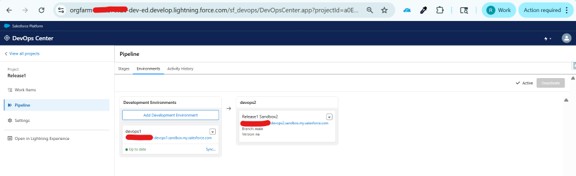
In the previous blog, we learned how to set up pipelines and connect environments.
Now, we will focus on one of the most important concepts in the Salesforce DevOps Center — Work Items.

In this blog, we will cover:

  • What are Work Items
  • Why Work Items are important
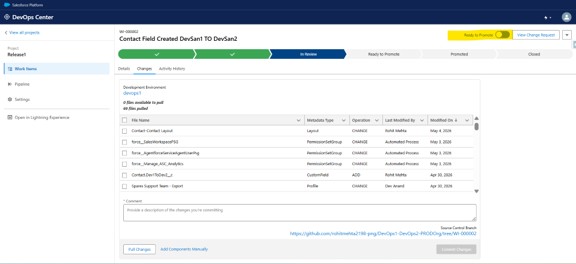
  • How DevOps Center tracks changes automatically

What is a Work Item?

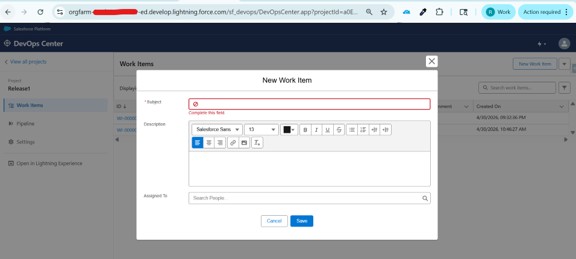
A Work Item represents a unit of work in theDevOps Center, similar to a user story or task.

👉 In Simple terms:

Work Item = “A task or feature you are working on”

Examples:
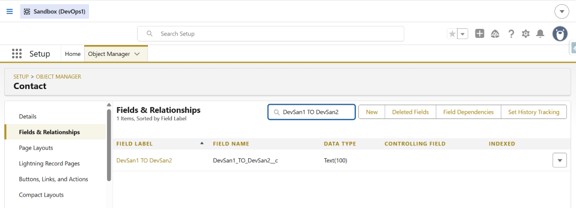
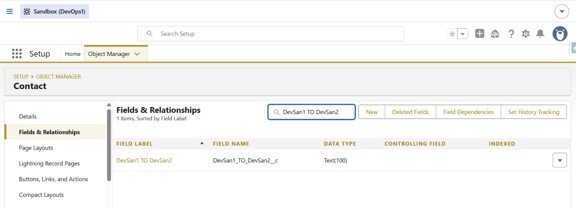
  • Create a new field on Contact

Picture1 3

Why Work Items are Important?

Work Items are created to organize, track, and manage the development work in a very structured way.

  • Track development tasks: Every feature or change is linked to a specific Work Item.
  • Link changes to specific work: All metadata changes are automatically connected to the Work Item.
  • Improve Team collaboration: Team members can clearly see what work is in progress
  • Maintain proper version control: Changes are tracked through Git with proper history
  • Ensure Structured Deployment: Work Items move through pipeline stages (Dev → Test → Prod)

Picture2 4

How DevOps Center Tracks Changes Automatically

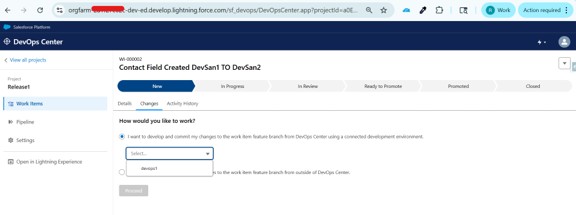
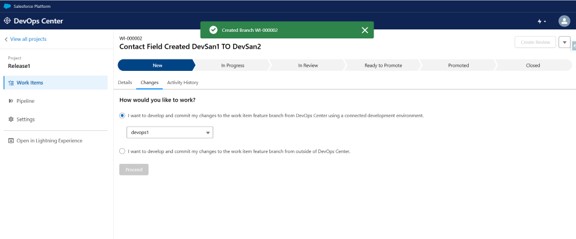
When you start working on a Work Item:

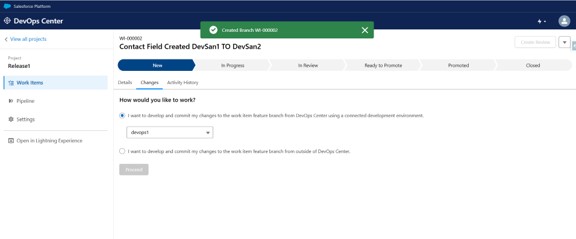
  • DevOps Center automatically creates a Git branch
  • Tracks all metadata changes
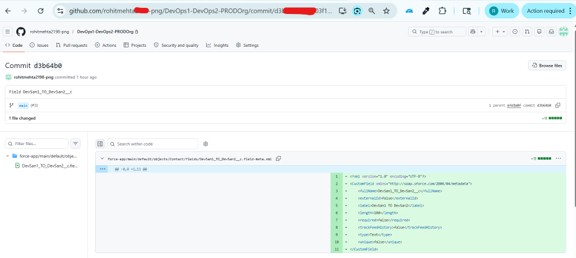
  • Commits changes to the repository
  • Links changes to the Work Item
This means:
  • No manual tracking
  • No missed changes
  • Everything is recorded automatically

Picture3 4Picture4 4

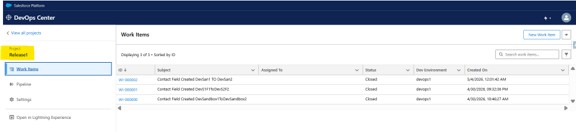
Where do Work Items exist in DevOps Center

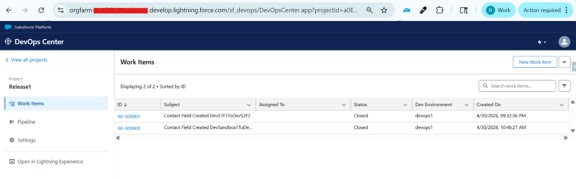
Work Items are created and managed within a DevOps Center Project and are used to track development tasks and associated changes.
Picture5 4

Work Item Lifecycle

A typical Work Item goes through the following stages:

  1. Create Work Item
  2. Start Work
  3. Make changes in Development Environment
  4. Changes are automatically tracked
  5. Promote through pipeline stages
  6. Deploy to Production

Picture6 4
Picture7 4
Picture8 4
Picture9 4

Create field on Contact:
Picture10 2
Picture11 1


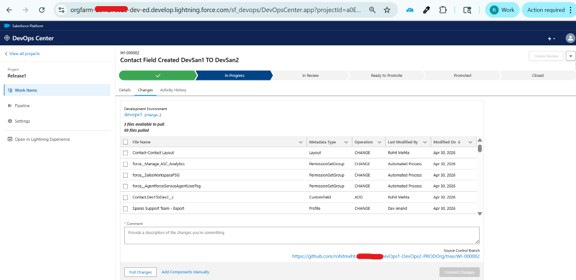
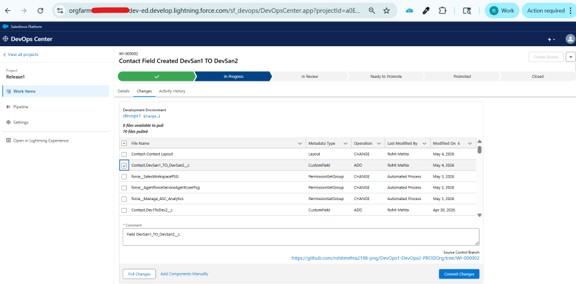
Click on Pull Changes Button and selected file(Created Contact.field_name):
Picture12 1


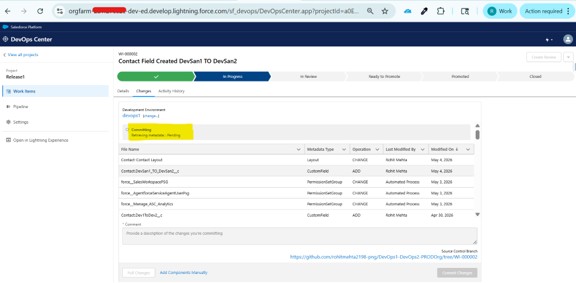
Commit the changes:
Picture13

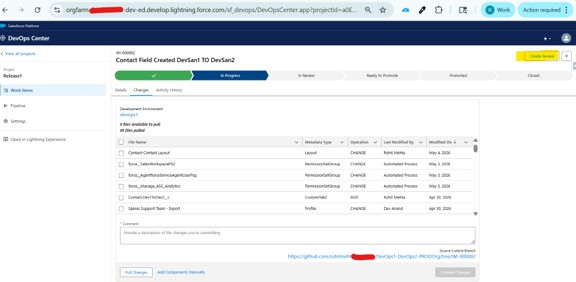
Enabled Review Button:

Picture14


Enabled Ready to Promote:

Picture15


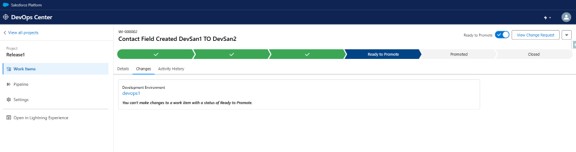
Ready to Promote :

Picture16


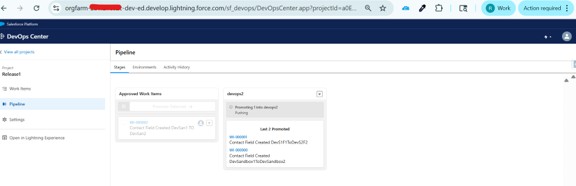
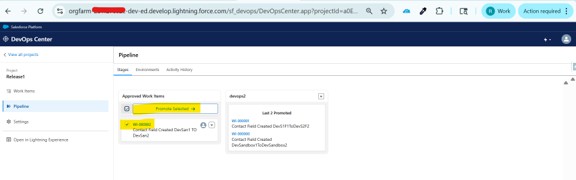
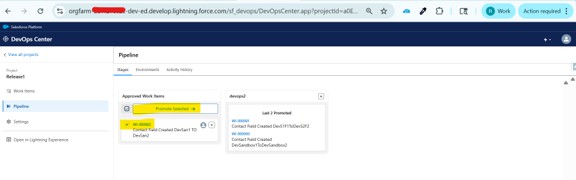
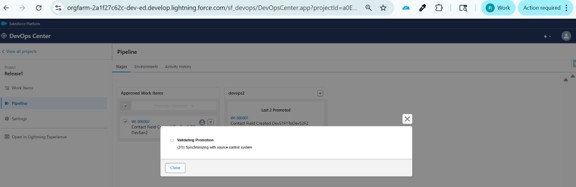
After the Work Item is in Ready to Promote status, navigate to the Pipeline, find it under Approved Work Items, select it, and click Promote.
 

Picture17
Picture18


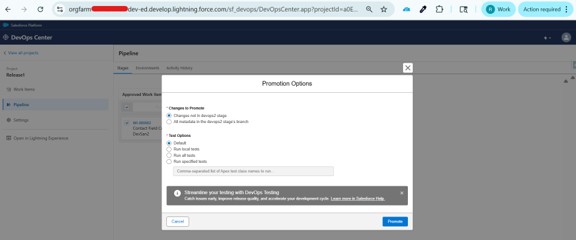
Select the required promotion criteria/options, then click the “Promote” button:
Picture19


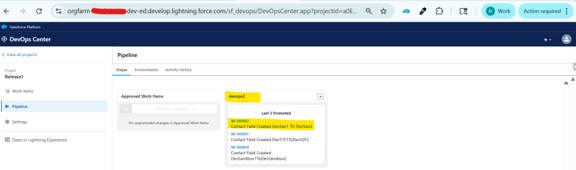
Successfully Deployed:

Picture20
Picture21


Environments:

Picture22


Activity History:

Picture23

Key Benefit

Every change is:

  • Create Work Item
  • Start Work
  • Make changes in Development Environment

Conclusion

The work items play a core role in the DevOps Center, as they connect all your development tasks with the actual changes and deployments. By using these Work Items, you can manage the development in a structured and organized way while ensuring full visibility across the lifecycle.
This approach not only improves the team collaboration but also ensures that every change is properly tracked and deployed with full confidence.

👉 In the next blog, we will explore Salesforce Devops Center Vs Azure Devops.

Also Read

Don’t forget to check out: Master Salesforce Flows

Written by

user

Rohit Mehta

A passionate Salesforce Developer and 3x Salesforce Certified professional specializing in building scalable CRM solutions. Proficient in Apex, Lightning Web Components (LWC), Triggers, Flows, and integrations, with a strong focus on delivering efficient, user-friendly applications. Experienced in translating business requirements into robust technical solutions while optimizing system performance. Skilled in end-to-end development, from design and implementation to deployment across Salesforce platforms.

Contributor of the month
contributor
Rohit Mehta

3x Certified Salesforce Developer || Apex || LWC

Get the latest tips, news, updates, advice, inspiration, and more….

...
Boost Your Brand's Visibility

Want to promote your products/services in front of more customers?

...