Salesforce Cybersecurity Audit: A Complete Guide

August 01, 2025
774 Views
Salesforce Cybersecurity Audit: A Complete Guide
Summarize this blog post with:

Salesforce is a CRM that aids your business in maintaining efficiency. The current era of rapid innovation is also drawing businesses’ attention towards security. Yes, security plays a foremost role in uplifting the credibility and Goodwill of your business. It is crucial to keep everything, from CMS to CRMs, secure enough to safeguard the vital information of both your users and business.

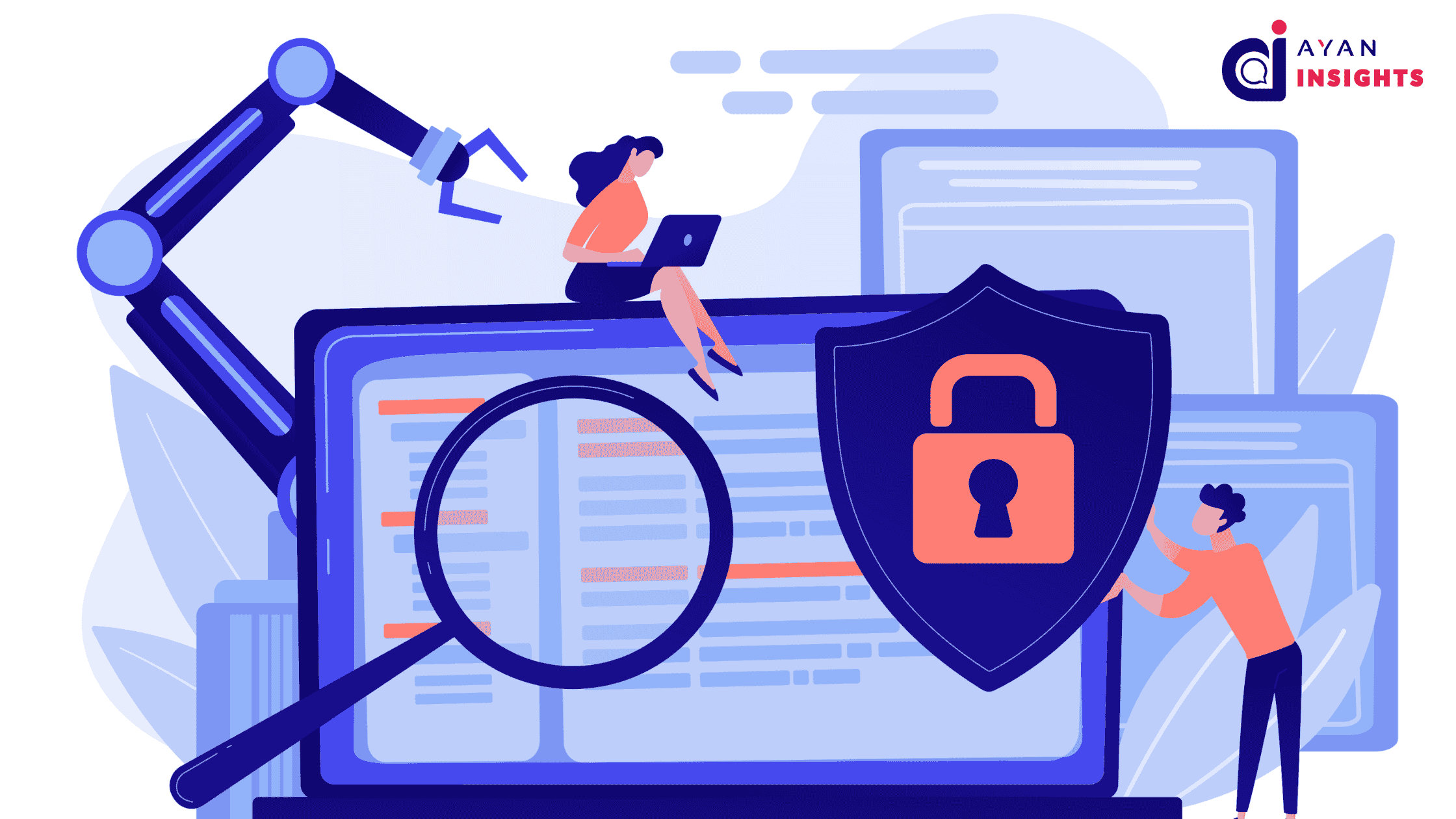
Hence, focusing on improving the security of your Salesforce is highly important. You must prioritize a cybersecurity audit of your CRM to ensure the identification of security loopholes and weaknesses. Based on the identified vulnerabilities, you can perform the required remediation to ensure the security-related weaknesses are addressed effectively. This practice will improve the security posture of your Salesforce environment.

However, the key point to note is that businesses often take this most crucial aspect so lightly, which is evident in the widespread occurrence of data breaches. Thus, be the wise one and invest in a cybersecurity audit to improve the effectiveness and security of your Salesforce environment.

This blog covers the essential steps that will aid you in conducting a detailed cybersecurity audit of your Salesforce. Read this detailed blog to become well-versed in how you can perform this.
Why is a Cybersecurity Audit Required for Salesforce?

Data is valuable for every business. It is essential to safeguard it, but the majority of businesses find themselves in a critical situation where they fail to secure this crucial data. The reason could be any number of things, but the major one is not investing in cybersecurity services. Either for CMS or CRM, security plays a foremost role. You must not repeat this mistake and invest in improving the security posture of your Salesforce environment. Here is why you should invest in a cybersecurity audit for your CRM:

  1. Identify Vulnerabilities

    Sometimes, we work with vulnerabilities that we don’t know have created a room in our systems. Cybersecurity audits provide significant relief in overcoming these challenges.  Over time, your Salesforce operations can create security gaps due to regular updates, modern integrations, and changing user permissions. Audits can help in identifying weak passwords, outdated permissions, or risks related to integrating third-party apps. Hence, the audits can help in overcoming these barriers before they are exploited.

  2. Remediation Upfront

    Auditors will let you know where the vulnerabilities are hidden in your CRM. Plus, they will help you remediate these weaknesses. The better the audits are, the safer your Salesforce environment will be with the remedies you will implement.

  3. Meeting Compliance Regulation

    Your Salesforce complete audit will also help you in meeting the required compliances. Businesses that fail to meet these strict regulations will face fines, legal issues, and a downgrade in the credibility of their operations. Thus, the Audit made on time can assist your business to comply with the standard regulatory compliance to ensure a safer and credible business presence.

    Also Read

    Don’t forget to checkout: Dreamforce 2025 Travel Guide: Hotels, Tips & Packing.

  4. Business Continuity

    Your timely investment in a cybersecurity audit of your Salesforce CRM will help ensure the continuity of your business operations. Through this, auditors will help you prepare a disaster recovery plan and perform a complete backup to overcome a cyberattack effectively.

  5. Building Customer Trust

    Your decision to invest in Salesforce audits ensures a credible image of your business among customers. You demonstrate that you take security seriously, and hence, you will safeguard the critical and crucial user information. This will strengthen customers’ trust in your business.

How to Perform an In-depth Cybersecurity Audit of Salesforce?

You gained an idea of why you must perform an audit. Now, it is wise to know how to take steps towards securing your Salesforce from hacker attacks. To perform a comprehensive cybersecurity audit, you need to follow a structured process by assessing various aspects. This process can be long and complex, but it is a must to perform if you take your business seriously. Here is how you can conduct this Salesforce audit:

  1. Define Your Objective

    You must clearly highlight the specific areas on which you want to cover. This could include user access, data security, integrations, or other factors. It is crucial to have a clear understanding before stepping into the process. Also, focus on establishing what goals you want to achieve from this audit. It could be related to identifying vulnerabilities, improving security, or complying with regulations.

  2. Review Salesforce Security Settings

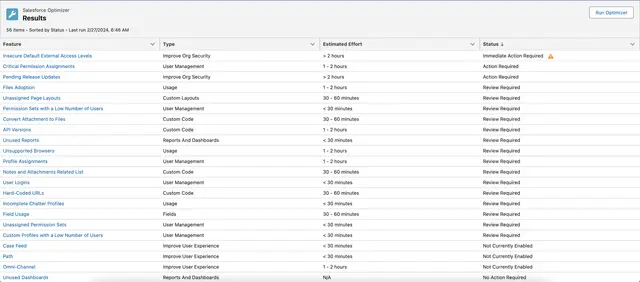
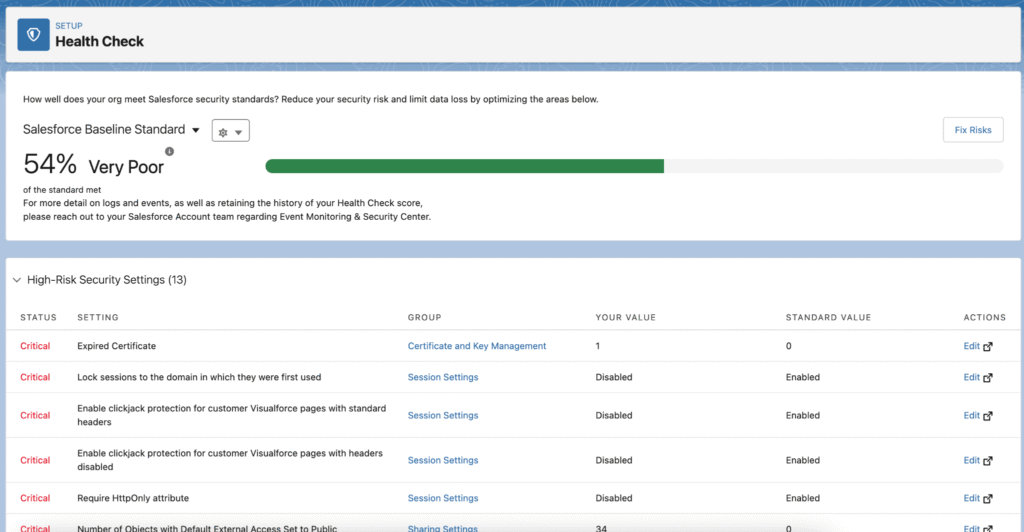
    Once you have analyzed the scope of your Salesforce security audit, now is the time to review the security settings. This will include the assessment of profiles and permission sets. You must check whether the given permissions and access are appropriate and for legitimate users. Also, check the field-level security to ensure the sensitive data is secured from cyberattacks. Moreover, you must audit login history, IP ranges, session timeout settings, and other relevant details.

    Review Salesforce Security Settings
  3. Check Third-Party Integration

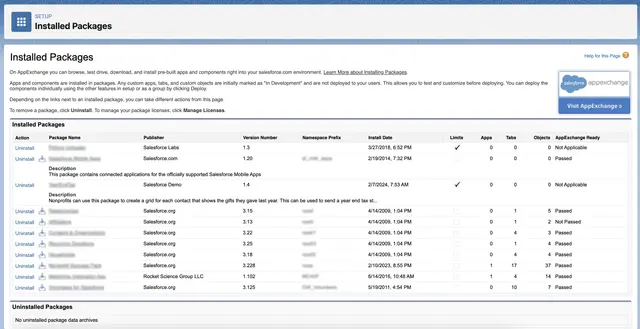
    Now that you have learned how strong or weak your security settings are, the next step is to assess the robustness of third-party integrations. Assess the security of API connections to ensure that they are using proper connections. Then, focus on auditing all third-party applications for security-specific risks. Hence, auditors will review all the packages and vet integrations.

    Check Third-Party Integration
  4. Custom Code Auditing

    It is an important step not to miss while reviewing the security of your Salesforce CRM. Auditors will check the custom-coded APEX classes and triggers to identify the security flaws in your CRM. They will also ensure that Visualforce pages follow security best coding practices to prevent data disclosure. Reviewers will further assess the lightning components to ensure the best practices have been followed throughout your CRM to safeguard your crucial data.

    Custom Code Auditing
  5. Document Findings and Build a Remediation Plan

    Now that you have complete information about Salesforce’s security through audits, you can develop a detailed remedy for the weaknesses found. However, focus on the prioritization of safety based on the severity.

  6. Implement the Measures

    Once a remediation plan is completed, it’s time to execute the measures that will improve the safety of your Salesforce. You must implement security best practices to ensure your CRM is equipped to withstand cyberattacks.

Conclusion

This blog discusses the importance of implementing cybersecurity audits and guides on performing a Salesforce audit. If you perform every step detailed above with precision, your CRM’s security will be enhanced. However, it is wise to consider that audits are not for one time only; these are a regular practice. So, invest wisely in your cybersecurity audits and level up the security posture of your Salesforce CRM.

How useful was this post?

Click on a star to rate it!

Average rating 4.8 / 5. Vote count: 4

No votes so far! Be the first to rate this post.

Written by

Alino Miller

Aliona is a skilled cybersecurity professional with years of experience in performing audits for various CRMs, including Salesforce. She enjoys reading and becoming well-versed in her field. In her spare time, she writes informative blogs.

Get the latest tips, news, updates, advice, inspiration, and more….

Contributor of the month
contributor
Antonina Kharchenko

Technical Writer, Salesforce Admin at SFApps.info

...
Categories
...
Boost Your Brand's Visibility

Want to promote your products/services in front of more customers?

...

Leave a Reply

Your email address will not be published. Required fields are marked *