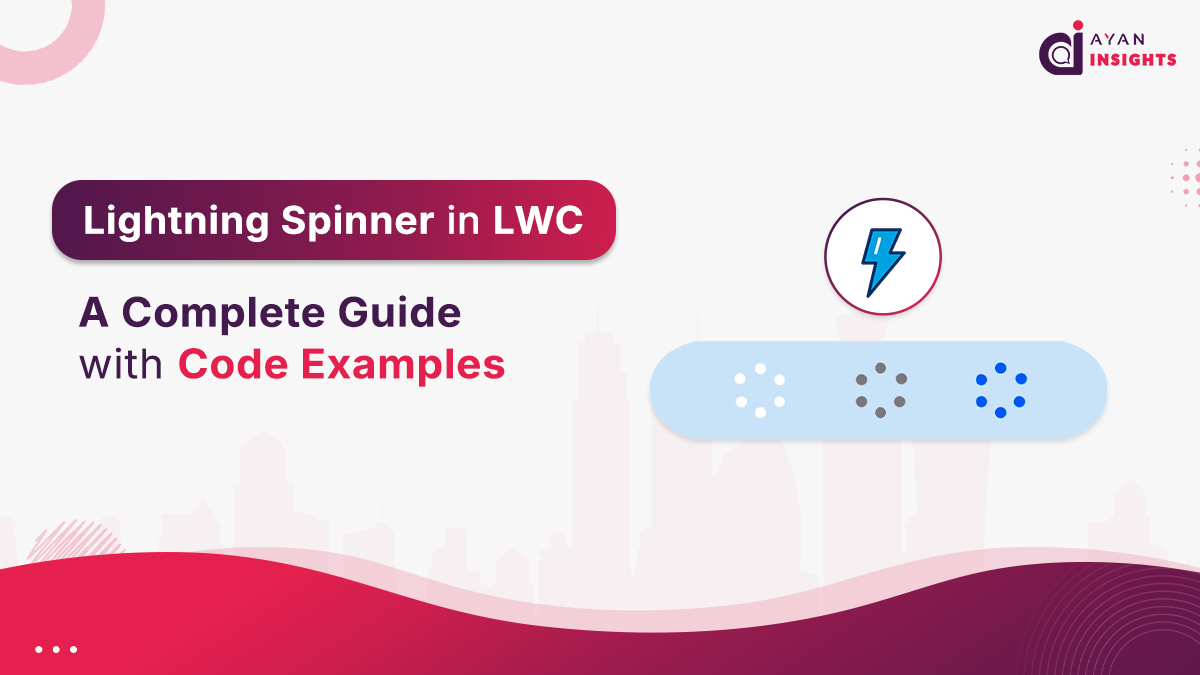
How to Use Lightning Spinner with Apex Calls in LWC
The most common use case for a spinner is during an Apex method call. Here’s how you properly integrate it using async/await for clean, readable code.
JavaScript (spinnerWithApex.js)
import { LightningElement, track } from 'lwc';
import getAccounts from '@salesforce/apex/AccountController.getAccounts';

export default class SpinnerWithApex extends LightningElement {
    @track accounts;
    isLoading = false; // Controls the spinner
    error;

    async loadAccounts() {
        // 1. Show the spinner
        this.isLoading = true;
        // Clear previous data and errors
        this.accounts = undefined;
        this.error = undefined;

        try {
            // 2. Call the Apex method asynchronously
            const result = await getAccounts({ limit: 50 });
            this.accounts = result;
        } catch (error) {
            this.error = error.body.message;
            console.error('Error loading accounts', error);
        } finally {
            // 3. Hide the spinner in the finally block
            // This ensures it happens whether the call succeeds or fails
            this.isLoading = false;
        }
    }
}
HTML (spinnerWithApex.html)
<template>
    <h2>Load Accounts with Spinner</h2>

    <lightning-button
        label="Load Accounts"
        onclick={loadAccounts}
        variant="brand">
    </lightning-button>

    <!-- Loading Spinner Template -->
    <template if:true={isLoading}>
        <div class="slds-m-around_medium">
            <lightning-spinner
                alternative-text="Loading accounts..."
                size="large">
            </lightning-spinner>
        </div>
    </template>

    <!-- Error Message Template -->
    <template if:true={error}>
        <div class="slds-m-around_medium slds-theme_error">
            <p>Error: {error}</p>
        </div>
    </template>

    <!-- Data Display Template -->
    <template if:true={accounts}>
        <ul class="slds-m-around_medium">
            <template for:each={accounts} for:item="acc">
                <li key={acc.Id}>{acc.Name}</li>
            </template>
        </ul>
    </template>
</template>
Key Points:
- finally block: Using a try…catch…finally structure is critical. The finally block ensures that the spinner is turned off (this.isLoading = false) no matter if the Apex call succeeds or fails, avoiding endless loading in case of errors.
- State Management: Before the call, we clear previous data and errors to provide a clean slate for the new operation.
Lightning Spinner Variants and Sizes in LWC
You can customize the spinner’s appearance to fit different contexts.
- Variant: Use variant=”inverse” when placing the spinner on a dark background.
- Size: Choose from small, medium, or large.
Example:
<lightning-spinner
    alternative-text="Loading on dark background"
    variant="inverse"
    size="large">
</lightning-spinner>