Introduction
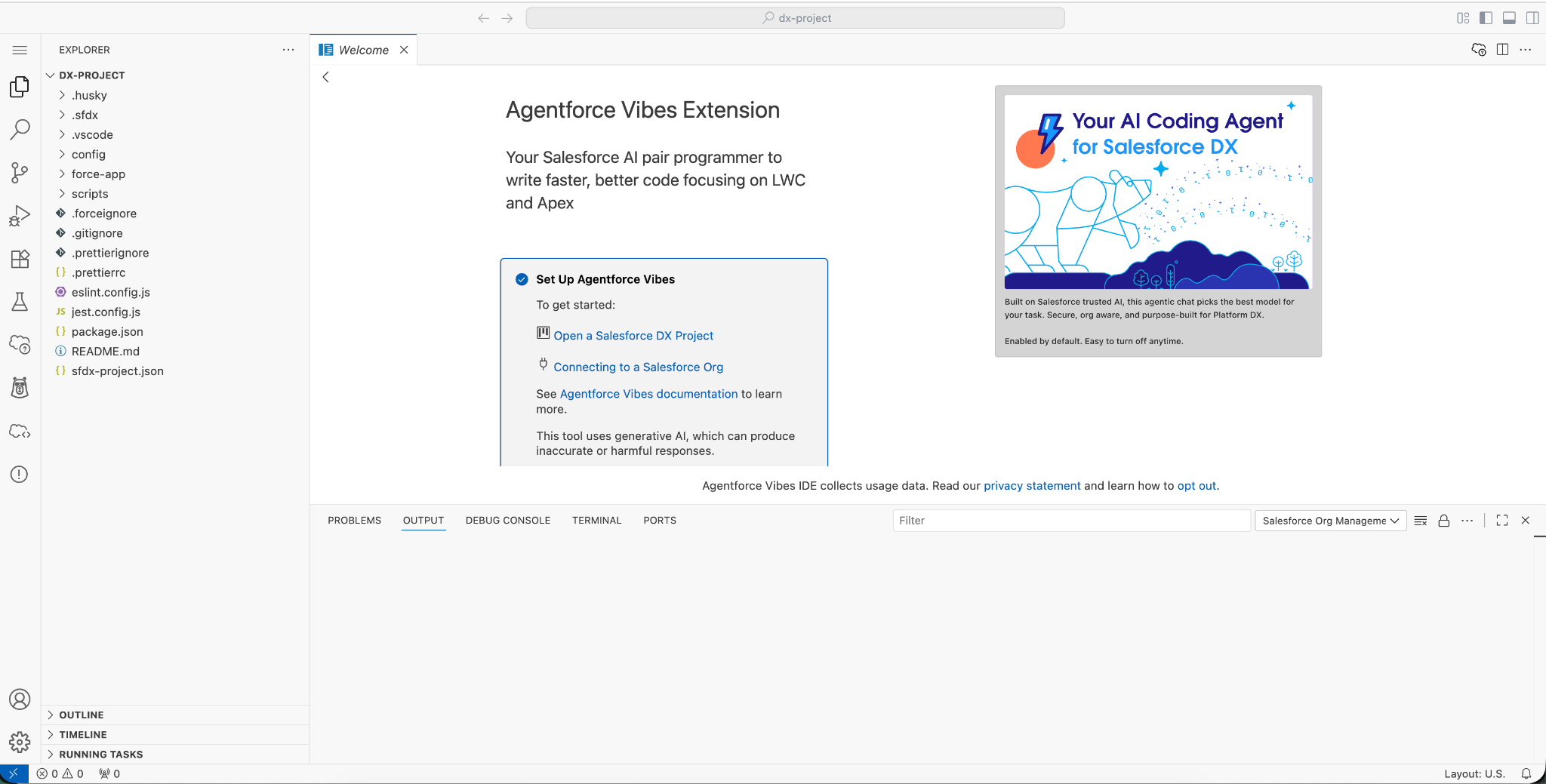
Agentforce Vibes IDE brings vibe coding to life—a new-generation LLM feature that lets you generate any type of code using natural language prompts. Instead of spending hours on repetitive boilerplate, developers can now focus on solving real business problems and designing smarter, more efficient solutions.
Salesforce is bringing this innovation to life with the Agentforce Vibes extension. For developers,
the desktop experience is already a game-changer. But what about Admins and Solution
Consultants who don’t live inside a local IDE all day?
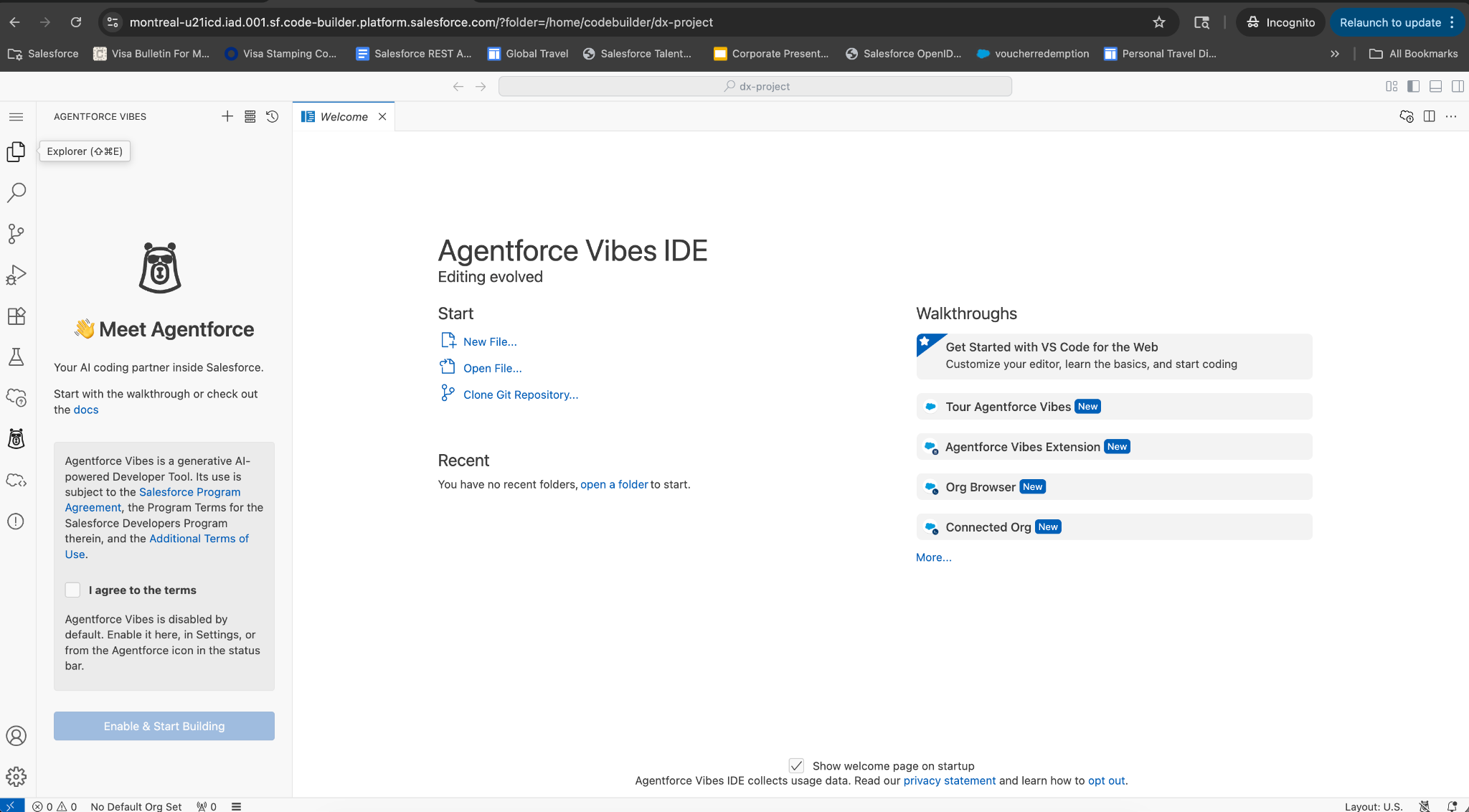
That’s where Agentforce Vibe IDE steps in.
This web-based development environment delivers the full power and flexibility of Visual Studio
Code, Salesforce Extensions, and the Salesforce CLI directly inside your Salesforce org. No
installations. No complex setup. Just open your browser and start building.
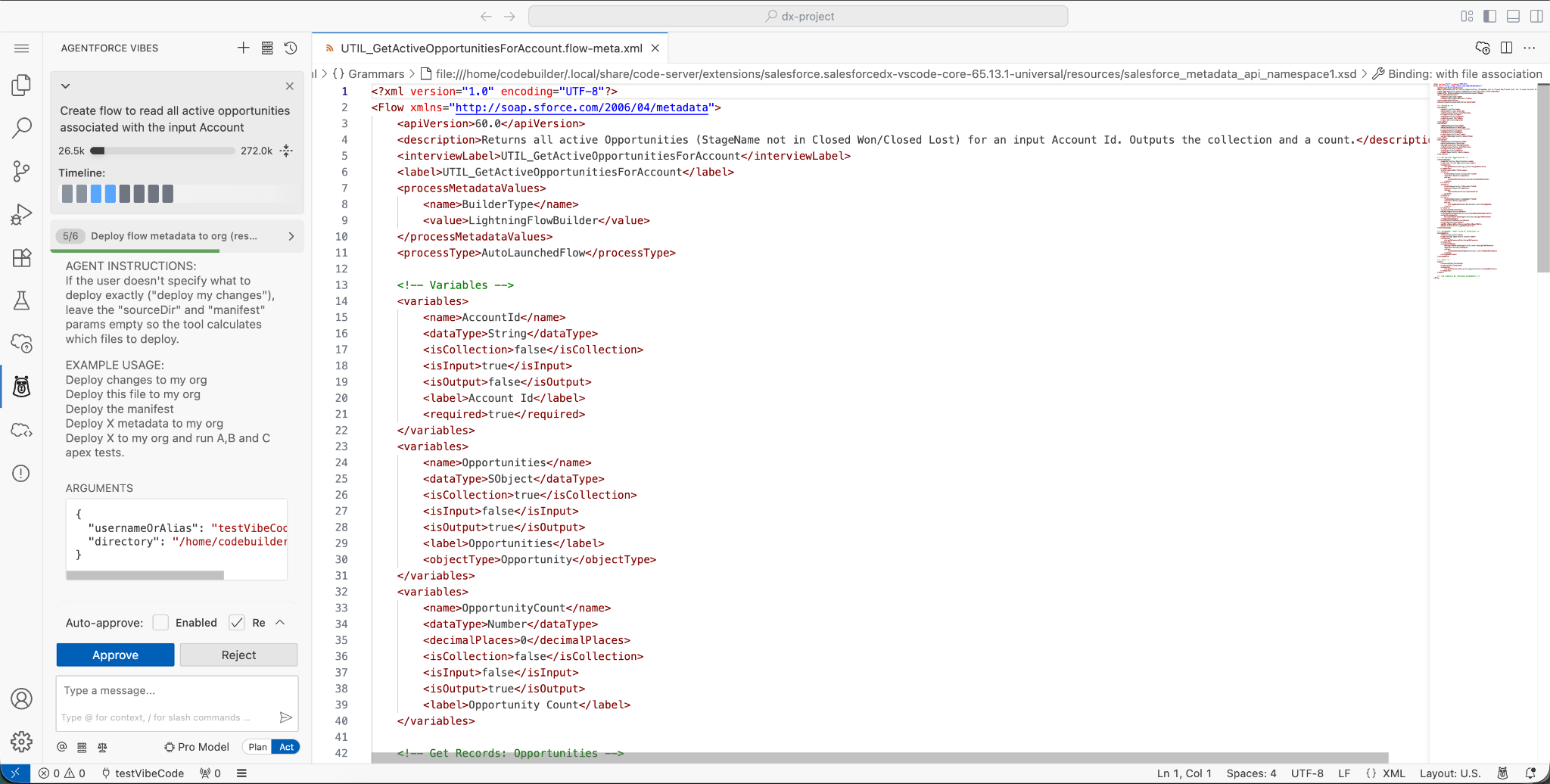
With natural language prompts, Agentforce helps you write, test, refactor, and debug code faster
than ever. And with the built-in Org Browser, you can easily explore and retrieve metadata and
components from your org in just a few clicks.
This article will cover the way to build code on Salesforce, where you focus on the logic, and the
Tools handle the heavy lifting.