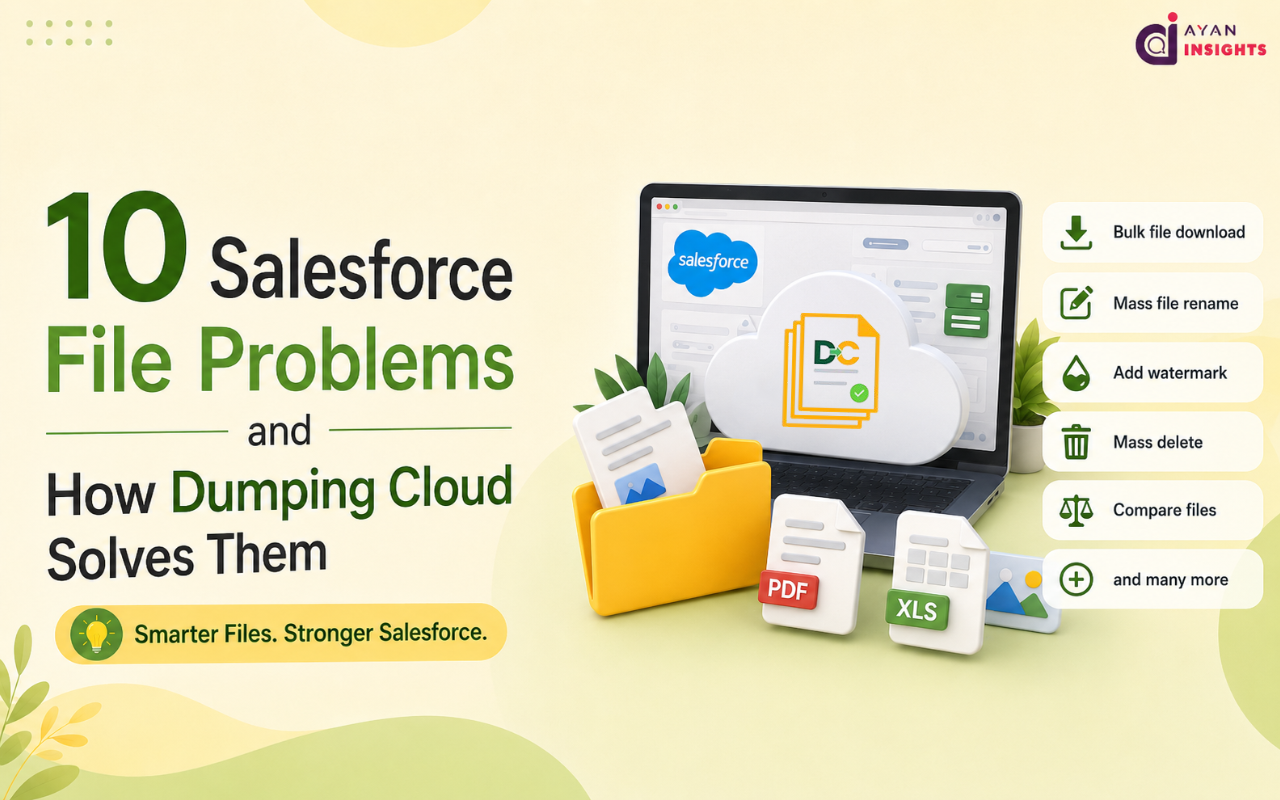
10 Salesforce File Problems Dumping Cloud Can Solve Easily
Each one of these issues looks tiny. When you add them up across hundreds of files every week, they become hours of wasted time and money.
1. No Bulk Actions on Salesforce Files
Download, delete, copy, move, one file at a time. There’s no multi-select, no batch action, no shortcut. Just repetition. Teams managing hundreds of files a week lose real hours to a task that should take seconds.
How Dumping Cloud Solves This: Dumping Cloud lets you select as many files as you want and act on all of them together. Download, delete, move, copy 100 or more files all in one click. What used to take an entire afternoon now takes a few minutes.
2. No Easy Way to Move or Copy Files Between Records
Need to move a file from one Account to another? Salesforce doesn’t make that simple. Most teams either re-upload the file by hand or use Data Loader, a tool built for records, not files, and way too heavy for this small task.
How Dumping Cloud Solves This: With Dumping Cloud, moving or copying a file between records takes just a few clicks. No re-uploading, no Data Loader, no waiting. Pick the file you want to move or copy, pick the record and done.
3. Messy, Inconsistent File Names
Renaming files one by one takes too long. When you have hundreds of files that need proper names, nobody wants to spend their day fixing them, so nobody does. The mess just keeps growing.
How Dumping Cloud Solves This: Dumping Cloud lets you bulk rename hundreds of files at once using simple naming patterns. Set the pattern once, apply it to every file you select, and your file names stay clean and consistent, without the manual work.
4. Storage Costs That Keep Climbing
Salesforce storage isn’t cheap, and files are usually the biggest reason it fills up. Without an easy way to move files outside Salesforce, teams either pay more every year or let clutter pile up forever.
How Dumping Cloud Solves This: Dumping Cloud connects Salesforce to external storage like Google Drive, OneDrive, Dropbox, and AWS S3. Old or rarely used files can be moved out in a few clicks, freeing up space and cutting storage costs, without losing the connection to the record.
5. No In-Window File Preview
Every PDF or image opens in a brand new browser tab. This breaks your focus and slows down anyone trying to quickly check a document without leaving the record.
How Dumping Cloud Solves This: Dumping Cloud shows PDFs and images right inside the record page. No new tabs, no losing your place. You open the file, take a quick look, and get back to work instantly.
6. No Way to Compare File Versions
Need to see what changed between the two versions of any document? But Salesforce doesn’t have a side-by-side view option, so in that case you have to download both files and check them by eye. It is slow, and it is easy to miss something important.
How Dumping Cloud Solves This: Dumping Cloud lets you compare two file versions side by side, instantly, right inside Salesforce. No downloads, no guesswork. You see exactly what changed in seconds.
7. Watermarking Needs Third-Party Tools
Adding a watermark to protect a document or to include your brand name usually means leaving Salesforce using an application and then uploading the file once more. It is a step that should not be needed.
How Dumping Cloud Solves This: Dumping Cloud adds watermarks directly from the record page. Pick the file, apply the watermark, done. No separate app, no re-upload, no extra step.
8. eSign Means Bouncing Out of Salesforce
Sending a document for signature usually means exporting it, opening a separate eSign tool, and losing the connection back to the record. This slows down every deal that depends on it.
How Dumping Cloud Solves This: Dumping Cloud lets you send documents for signature without ever leaving Salesforce. The file stays connected to the record from start to finish, so deals move faster, and nothing gets lost in the shuffle.
9. Multi-Org File Management Is a Nightmare for Consultants
If you manage files across many client orgs, every login switch and context change costs you time. Salesforce gives consultants nothing to make this easier.
How Dumping Cloud Solves This: Dumping Cloud auto-detects your session and works across orgs without repeated logins. Consultants can move between client orgs smoothly, without wasting time on manual tracking or constant re-authentication.
10. Splitting and Merging PDFs
Breaking apart a large PDF, or joining several files into one, means leaving Salesforce for another tool, and going through another export-and-import cycle.
How Dumping Cloud Solves This: Dumping Cloud lets you split or merge PDFs and Word files in just a couple of clicks, right inside Salesforce. No Acrobat, no exporting, no extra tool needed.