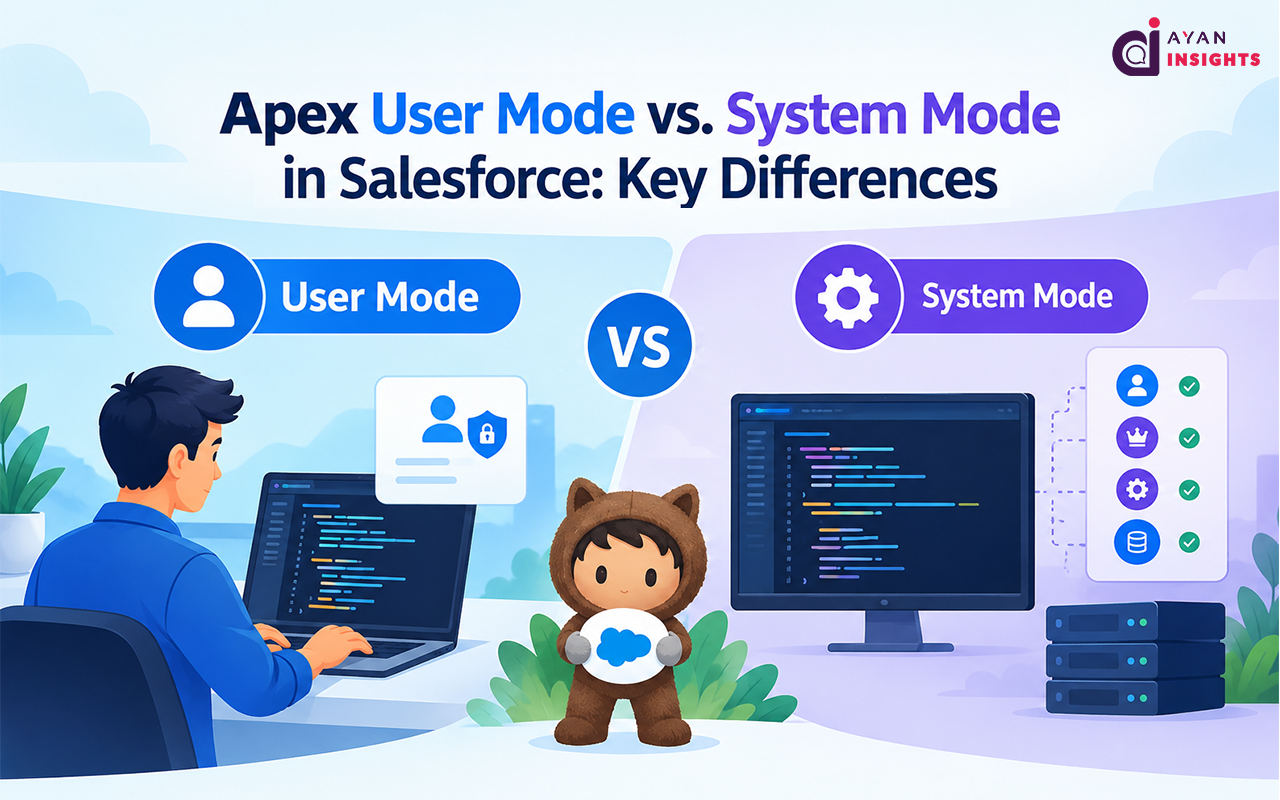
When we write Apex code, we usually focus on getting the work done. We write a SOQL query, update a record, and return the result to the user. But there is one important question we should ask: Does the current user have permission to access or update this data?
Salesforce has its own security model. A user may be able to open an Account record but may not have permission to view a particular field. Another user may not have access to that Account at all.
This is where Apex User Mode and System Mode come into the picture.
Salesforce introduced user-mode database operations to make it easier for developers to enforce security directly in Apex. API version 67.0 introduced another major change: database operations now run in User Mode by default for that API version, rather than System Mode.
In this blog, we will understand both modes, look at practical Apex examples, and discuss what developers need to know before using these features in their projects.