If you work in sales or support, you already know this feeling. You keep typing the same responses again and again. Follow-up emails, quick acknowledgements, case updates. It adds up fast. Apart from being repetitive, it also increases the chances of small mistakes creeping in.
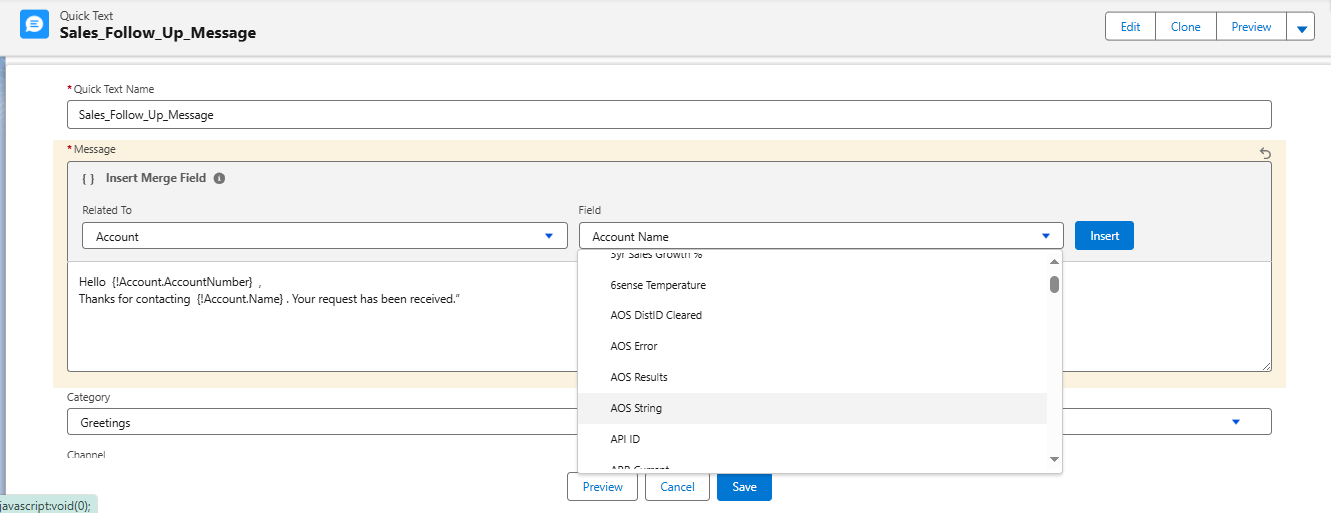
Salesforce’s Quick Text feature was built to solve exactly this problem.
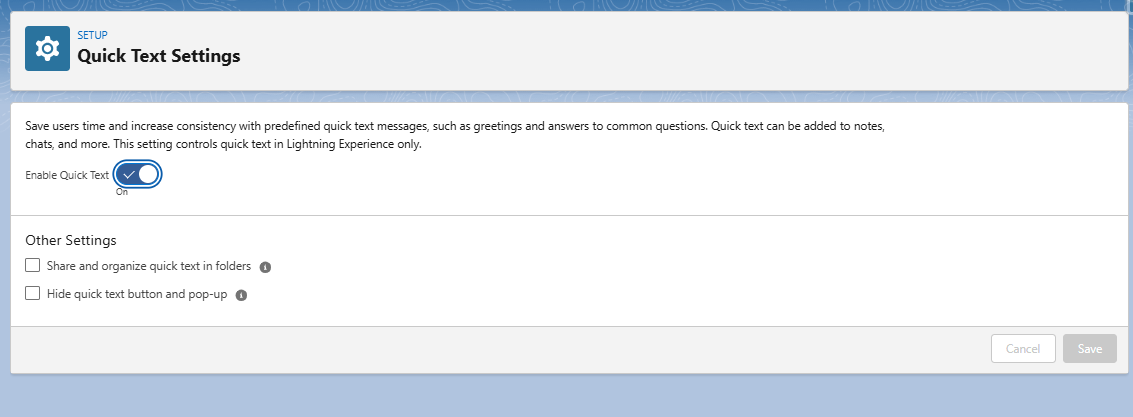
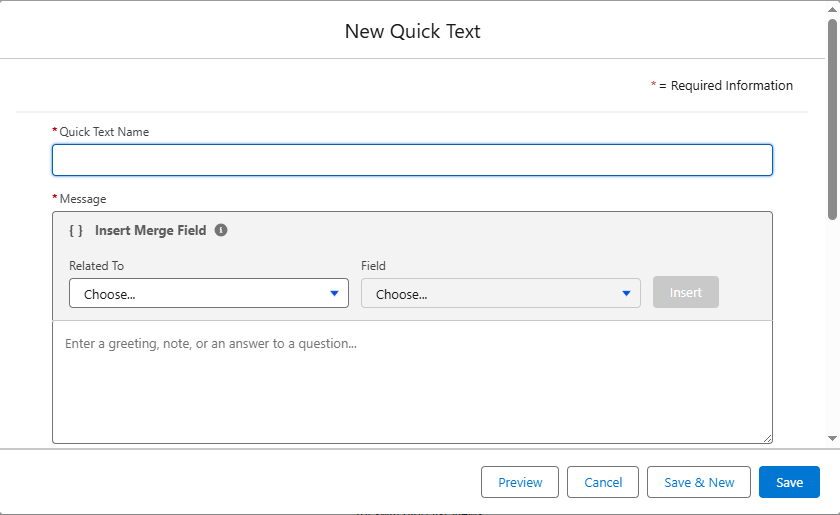
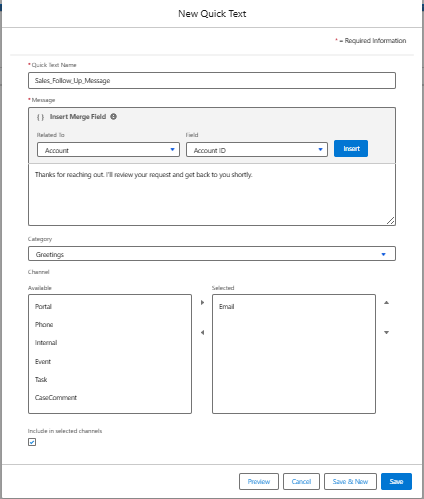
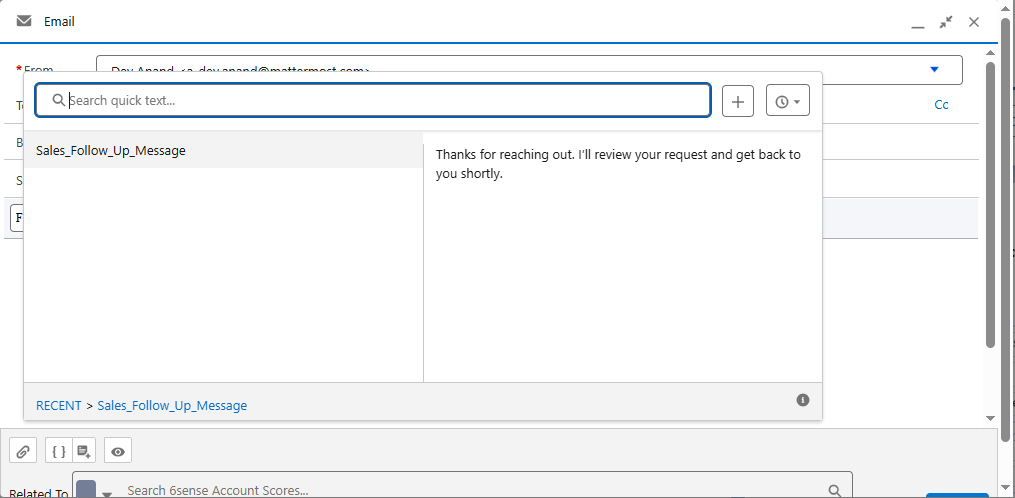
Instead of rewriting the same messages every time, Quick Text lets you save commonly used phrases and insert them wherever you need them, such as emails, tasks, chats, or case comments. Once it’s set up, using it becomes second nature.
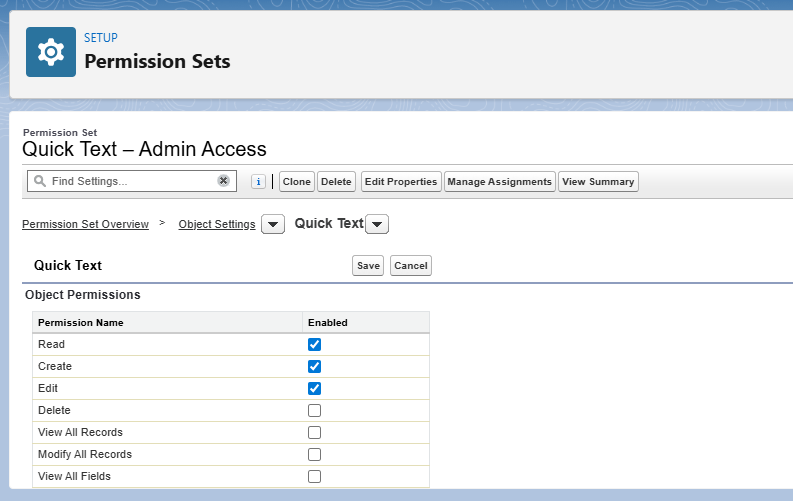
In this article, we’ll look at what Quick Text actually is, why teams rely on it, and how you can set it up step by step.