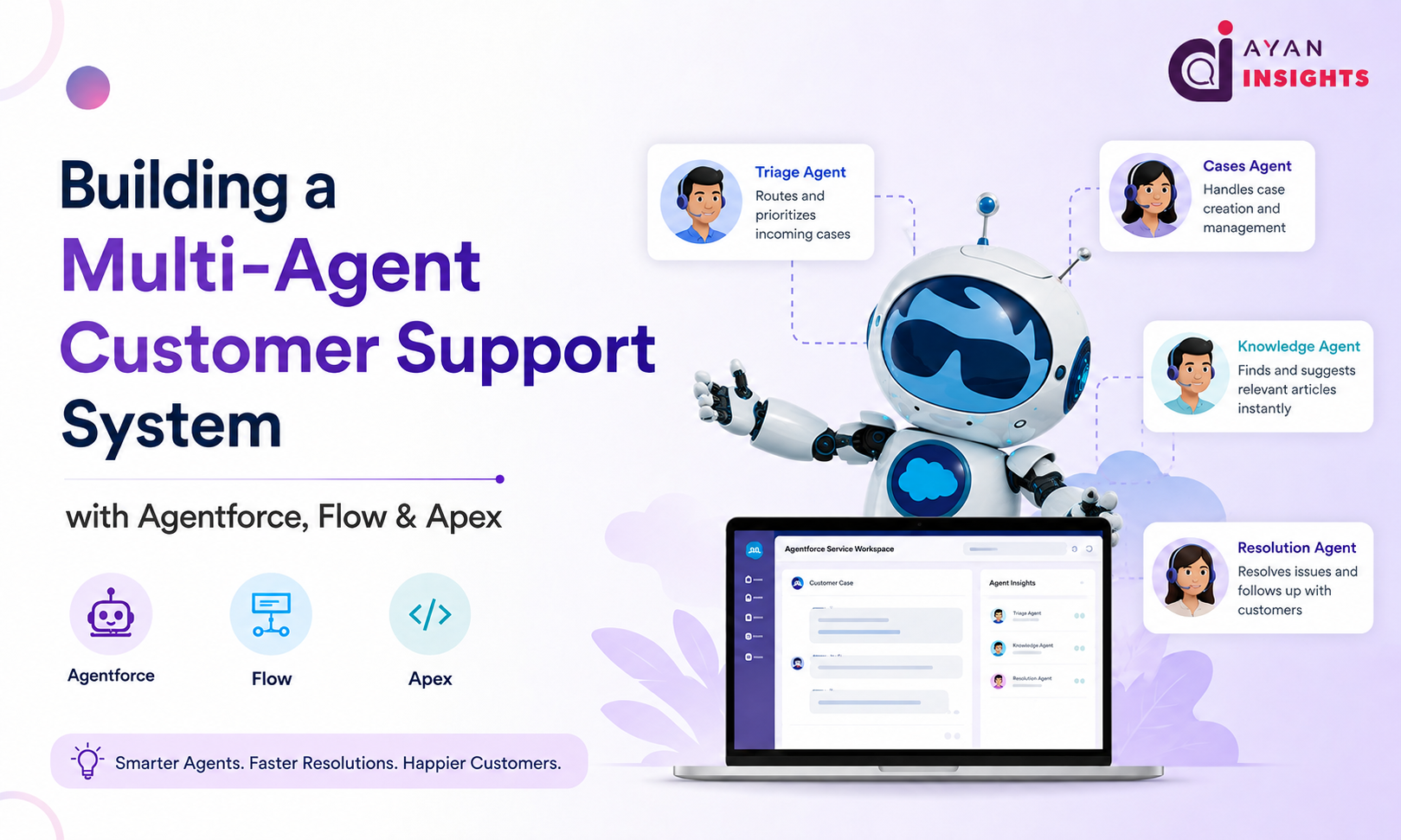
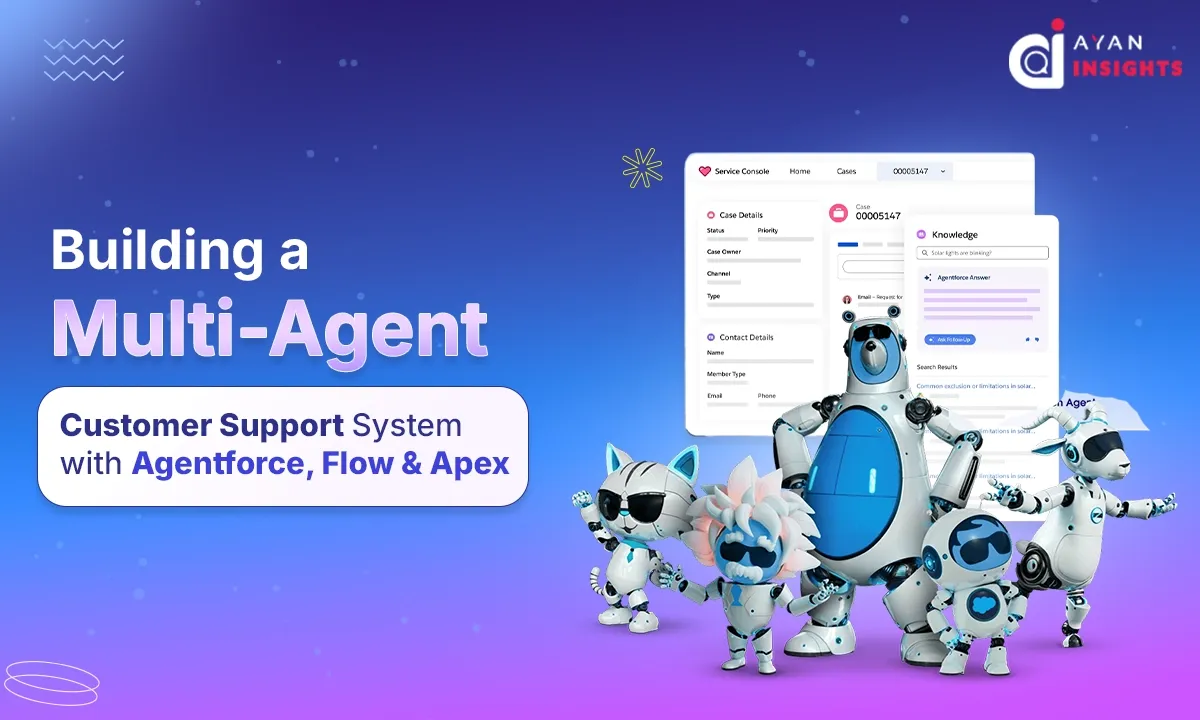
Building a Multi-Agent Customer Support System with Agentforce, Flow & Apex: A Practical Salesforce Guide

July 28, 2026
15 Views
Building a Multi-Agent Customer Support System with Agentforce, Flow & Apex: A Practical Salesforce Guide
Summarize this blog post with:

Customer expectations have changed dramatically over the last few years. People no longer want to wait hours—or even minutes—for answers. They expect quick, accurate, and personalized support regardless of whether they’re asking about an order, requesting a refund, or troubleshooting a technical issue.

Traditional chatbots helped automate simple conversations, but they often struggled with complex scenarios because they relied on predefined decision trees. This is where Salesforce Agentforce introduces a completely new way of building intelligent customer support.

Instead of relying on a single AI assistant, imagine having multiple specialized AI agents working together—each responsible for a different business function. One agent handles order tracking, another processes refunds, while another resolves technical issues. Together, they create a seamless customer support experience.

In this article, we’ll explore how to build a scalable Multi-Agent Customer Support System using Agentforce, Flow, and Apex.

Why Multiple AI Agents?

Think about a real customer support center.

You don’t send every customer to the same employee.

Instead,

  • Billing questions go to the Finance team.
  • Technical issues go to Technical Support.
  • Product questions go to Sales.
  • Account problems go to Customer Success.

The same principle applies to AI.

Rather than building one large agent that knows everything, we create multiple specialized agents that collaborate whenever necessary.

This approach offers several advantages:

  • Better response accuracy
  • Easier maintenance
  • Faster execution
  • Clear separation of responsibilities
  • Improved scalability

Real-World Scenario

Imagine an e-commerce company.

A customer types:

“My order hasn’t arrived, and I’d also like to cancel my extended warranty.”

Although it looks like one request, there are actually two separate tasks.

The system should automatically identify both intents.

The first request belongs to the Order Support Agent.

The second belongs to the Warranty Agent.

Instead of making the customer contact two different departments, Agentforce intelligently routes each task to the appropriate specialized agent while maintaining a single conversation.

This creates a much smoother customer experience.

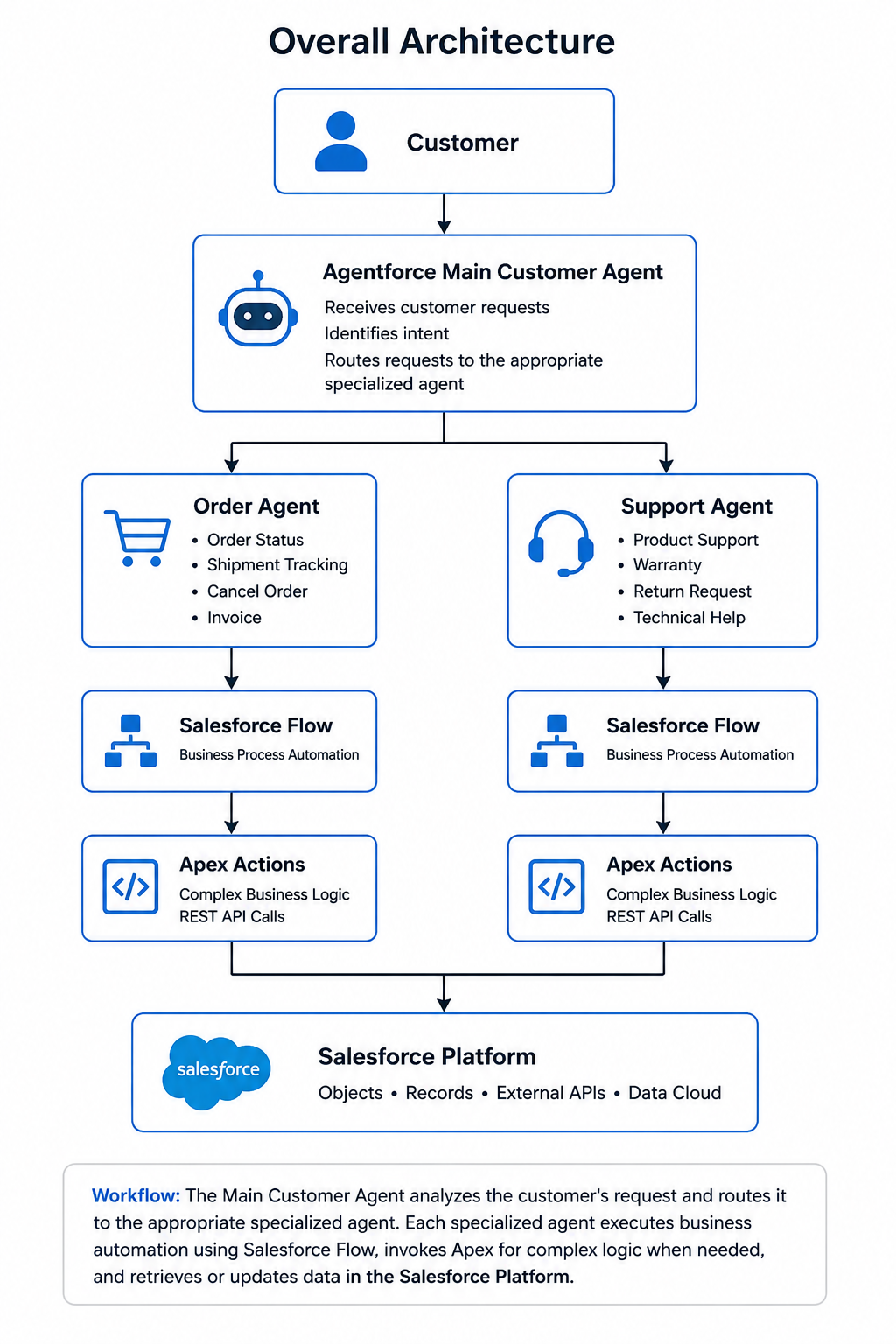
Overall Architecture

Customer

Agentforce Main Customer-Facing Agent

├───────────────┐
│       │

▼      ▼

Order Agent
                Support Agent

│       │

▼      ▼

Salesforce Flow
                  Salesforce Flow

│       │

▼      ▼

Apex Actions
                    Apex Actions

│       │

▼      ▼

Salesforce Data

The architecture combines the strengths of three Salesforce technologies.

  • Agentforce understands customer intent.
  • Flow orchestrates business logic
  • Apex performs advanced operations that require custom code.

Each layer has a clear responsibility, making the overall solution easy to maintain.

Step 1: Create Specialized Agents

Rather than creating one universal AI assistant, build dedicated agents for specific business domains.

For example:

Order Support Agent
Responsibilities:
  • Track orders
  • Update delivery status
  • Estimate shipping dates
  • Handle order modifications
Billing Agent
Responsibilities:
  • Generate invoices
  • Explain charges
  • Process refunds
  • Handle payment failures
Technical Support Agent
Responsibilities:
  • Troubleshoot products
  • Suggest knowledge articles
  • Create support cases
  • Escalate critical issues
Customer Account Agent
Responsibilities:
  • Reset passwords
  • Update profile information
  • Manage subscriptions
  • Verify customer identity

Each agent focuses on doing one job exceptionally well instead of trying to solve everything.

Step 2: Let Flow Handle Business Automation

Once Agentforce identifies the customer’s intent, it can invoke a Salesforce Flow.

Flow acts as the orchestration engine.

For example:

Customer says:

“Where is my order?”

The Order Agent launches a Flow that:

  • Finds the Order record
  • Retrieves shipment details
  • Checks delivery status
  • Formats the response
  • Returns the result back to Agentforce
No Apex is required for this simple automation.

Step 3: Use Apex for Complex Logic

Some business requirements are too advanced for Flow alone.

This is where Apex becomes valuable.

Examples include:

  • Calling external shipping APIs
  • Complex validation rules
  • AI scoring algorithms
  • Dynamic pricing calculations
  • Processing large datasets.Flow can simply invoke an Apex Action whenever additional processing is required
This keeps Flows clean while allowing developers to implement sophisticated business logic.

End-to-End Customer Journey

Click the link below or copy it into your Chrome address bar:

Let’s follow a complete customer interaction.

Customer:

“I want to know where my package is.”

Step 1

Agentforce recognizes the intent as Order Tracking.

Step 2

The Order Agent receives the request.

Step 3

The agent launches a Salesforce Flow.

Step 4

The Flow retrieves the Order record.

Step 5

The Flow calls an Apex action to fetch the latest shipping information from a courier API.

Step 6

The shipping details are returned.

Step 7

Agentforce generates a friendly natural-language response.

Customer receives:

“Your order was dispatched yesterday and is currently in transit. The estimated delivery date is tomorrow before 6 PM.”

The entire process happens within seconds.

Why Combine Agentforce, Flow, and Apex?

Each technology solves a different problem.

Technology Primary Responsibility
Agentforce Understands customer intent and manages conversations 
Flow Automates business processes without code
Apex Handles complex logic, integrations, and custom processing 

Instead of replacing one another, these technologies complement each other to build intelligent, scalable customer support solutions.

Best Practices

When designing a multi-agent system, keep these recommendations in mind:

  • Give every agent a single responsibility.
  • Keep Flow focused on orchestration rather than heavy logic.
  • Reserve Apex for complex processing and external integrations.
  • Use meaningful prompts so each agent understands its specific role.
  • Log important interactions for auditing and future improvements.
  • Continuously test conversations using different customer scenarios to improve accuracy.

Fun Fact

According to Salesforce’s State of Service research, customers increasingly expect faster, personalized support, and organizations are adopting AI-powered service tools to help meet those expectations. AI assistants can handle routine inquiries, allowing human agents to focus on complex, high-value customer interactions.

Final Thoughts

The future of customer support isn’t about replacing human agents—it’s about empowering them with intelligent AI assistants that can collaborate, automate repetitive tasks, and provide faster, more consistent service.

By combining Agentforce for conversational intelligence, Salesforce Flow for business process automation, and Apex for advanced logic and integrations, you can build a modular, scalable support system that adapts as your business grows. Whether you’re supporting hundreds or millions of customers, this architecture provides the flexibility to expand with new specialized agents without redesigning the entire solution.

As Agentforce continues to evolve, organizations that embrace a multi-agent strategy today will be better positioned to deliver the seamless, AI-powered customer experiences that users increasingly expect.

Also Read

Don’t forget to check out: How to Install Voice2Force Chrome Extension

How useful was this post?

Click on a star to rate it!

Average rating 5 / 5. Vote count: 1

No votes so far! Be the first to rate this post.

Written by

Akash P T

Salesforce Developer with 1.8+ years of experience in Apex, LWC, Flows, REST API integrations and Agentforce. Passionate about automation, scalable CRM solutions, and sharing Salesforce knowledge with the community.

Get the latest tips, news, updates, advice, inspiration, and more….

Contributor of the month
contributor
Akash P T

Salesforce Developer with 1.8+ years of experience in Apex, LWC, Flows, REST API integrations and Agentforce. Passionate about automation, scalable CRM solutions, and sharing Salesforce knowledge with the community.

...
Categories
...
Boost Your Brand's Visibility

Want to promote your products/services in front of more customers?

...

Leave a Reply

Your email address will not be published. Required fields are marked *