How Does Agentforce Manage Revenue Cloud? A Simple Guide

July 30, 2026
6 Views
How Does Agentforce Manage Revenue Cloud? A Simple Guide
Summarize this blog post with:

Revenue Cloud is where the data and rules for selling something actually live, the catalog, prices, contracts, all of it sitting in one place. Agentforce reads a request written in plain language and does something with that data. That’s it. Put the two together, and a sales team can quote, price, discount, contract, and bill a customer without bouncing between five different tools just to get one deal across the line.

What follows: what each system does by itself, how Agentforce is set up inside Revenue Cloud, how a request actually moves through the system step by step, how Agentforce manages the different modules like product configuration and pricing, and the six pillars Salesforce uses to describe the whole thing.

How Agentforce Is Set Up in Revenue Cloud

Agentforce doesn’t stand apart from Revenue Cloud, and it isn’t replacing any part of it. It sits on top, working with data that was already there before it showed up. The setup comes down to three things:

  • Uses LLMs with Salesforce data. The models pull from real records, product lists, customer accounts, whatever pricing is live right now, this minute. Not a guess, not some export gathering dust for three weeks.
  • Works alongside Revenue Cloud instead of replacing it. Revenue Cloud keeps doing what it always did, storing products, prices, orders. Agentforce’s job is narrower, understand the request, act on data that already exists.
  • Supports the entire Quote-to-Cash process. It isn’t stuck at one stage. A request can land anywhere along Quote-to-Cash, the very first quote, the last invoice, somewhere in the middle of it all.

How Agentforce Works with Revenue Cloud

Here’s what that path actually looks like, step by step and what’s actually happening at each of those steps, one at a time.

User Prompt. This is where everything starts. Someone types or speaks a request in plain language, something like “create a quote for this customer” or “apply a 10 percent discount on this order.” No special syntax needed, just a normal sentence.

Intent Detection. The system reads that sentence and works out what’s actually being asked. Is it a request to create something, update something, or just look something up? This step is basically Agentforce making sense of the words before it does anything at all.

Agent Topic. Once the intent is clear, the request gets sorted into a subject area, pricing, quoting, billing, orders, whichever one fits. Think of this as picking which department the request belongs to.

Agent Action. Inside that topic, a specific action gets chosen to actually handle the request. If the topic is quoting, the action might be “generate a quote.” If it’s billing, the action might be “explain this invoice.” This is the exact task Agentforce is about to carry out.

Flow. The chosen action runs through a Salesforce Flow, a set of automated steps built ahead of time to handle that kind of task. This is where the real work gets done in the background, without a human clicking through screens manually.

Apex (optional). Sometimes a flow alone isn’t enough, especially for tasks with more complicated logic or special business rules. When that happens, a piece of custom code called Apex steps in to handle the extra complexity. Not every request needs this step, which is why it’s optional.

Revenue Cloud Objects. This is where the action actually touches real data, products, prices, quotes, orders, whatever the request was about. Nothing changes in Revenue Cloud until this step runs.

Response. Finally, the result gets sent back to whoever made the request in the first place. If a quote was created, the response confirms it. If a price was updated, the response shows the new price.

How Agentforce Manages Different Revenue Cloud Modules

The six pillars describe what the platform can do. Agentforce is what’s doing the work inside those modules, day to day, request by request. Here’s how that plays out for each one:

Product configuration: Lots of products come with options, size, color, add-ons, and Agentforce sticks to combinations that are actually valid, based on rules already in the catalog. Here’s how: the catalog encodes constraint rules, for example, “this add-on requires that base model,” or “these two options are mutually exclusive.” When a request comes in, Agentforce reads it, checks it against the constraint model, and only assembles combinations that pass. It isn’t guessing what’s valid, it’s walking the same rule engine a config specialist would use, just without the back and forth. No config that shouldn’t exist slips through, because the invalid ones never get generated in the first place.

Product pricing: Quantity, customer type, region, whatever the price depends on, it goes through the pricing engine that’s already sitting there. Mechanically, Agentforce pulls in the price book, applicable rate cards, and any segment specific rules, feeds the relevant inputs (quantity, region, customer tier) into that engine, and returns whatever the engine calculates. Nobody does math by hand, and no one’s improvising a number. The price comes out of the same logic that governs every other quote.

Discount features: Discounts follow that same pattern. A discount rule is tied to a condition, a volume threshold, a promo code, an approval tier, and Agentforce checks whether the condition is met before applying it. If it is, the rule fires and the price updates automatically. If it isn’t, nothing happens without the right sign off. Rule fires, price updates, done, no manual back and forth.

Quoting and contracts: Quoting comes together from a plain language request. Agentforce parses what’s being asked for, matches it to products and pricing, and drafts the quote in the format the business already uses. Once a quote is accepted, Agentforce carries the relevant terms, line items, pricing, negotiated conditions, into a contract record, mapping fields rather than re entering them, with a person reviewing before it’s final.

Billing: On billing, Agentforce reads the transaction and payment records tied to an invoice to explain a line item, cross checks the payment gateway or ledger status to see whether a payment actually cleared, and if it didn’t, triggers a reminder through whatever channel is already configured, email, in app, or otherwise. It’s referencing existing records, not making a judgment call about what should have happened.

Order management: Orders get watched the same way. Agentforce monitors the fulfillment pipeline’s status fields, and when a step doesn’t progress the way it should, say a shipment status hasn’t updated past a certain window, it flags that stall proactively, before a customer has to pick up the phone and ask what’s going on.

Worth saying plainly: none of this data belongs to Agentforce. It’s reading and writing the same Revenue Cloud records everyone else already works from, same catalog, same price books, same contract objects, same order statuses. Nothing separate, nothing hidden off to the side.

The Six Pillars, Roughly Explained

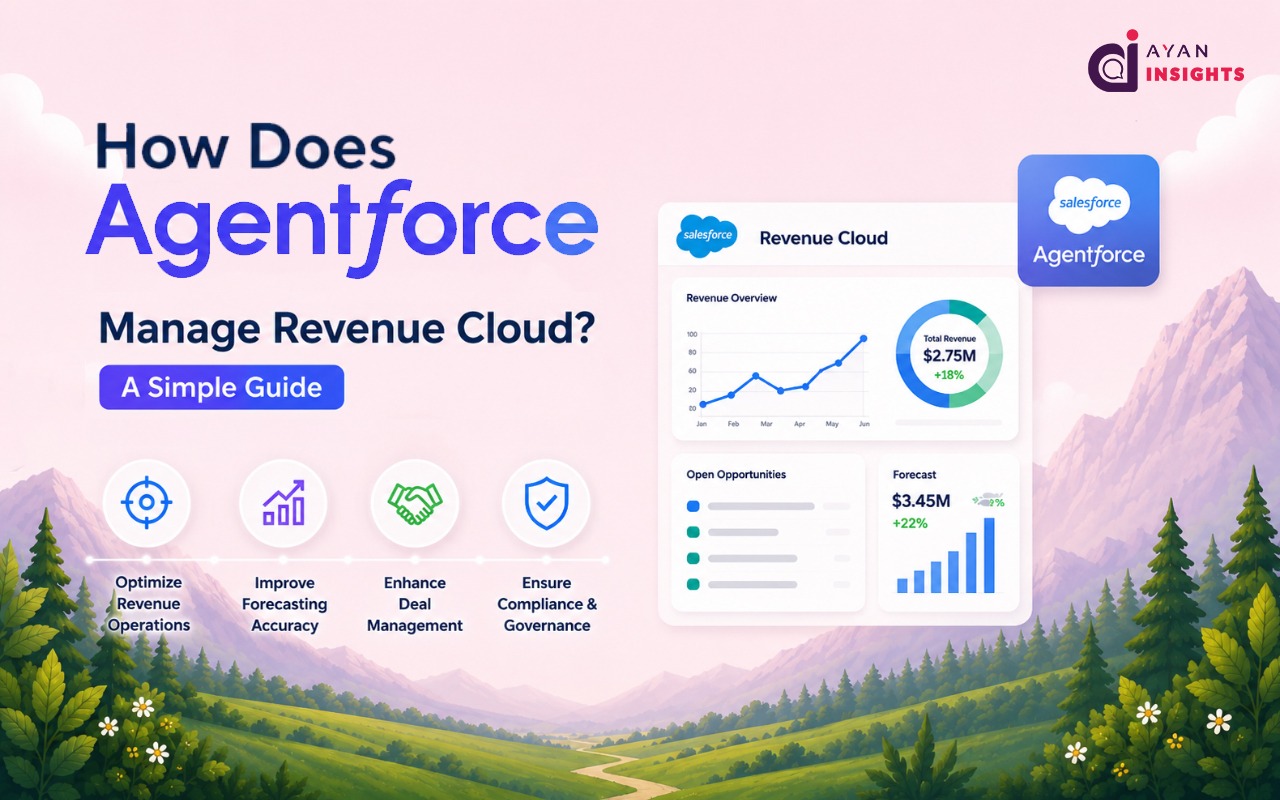
Six pillars, and together they’re supposed to cover the whole quote-to-cash process. Each one maps to a real piece of selling. Some solve fairly boring problems. That doesn’t make them less useful.

  1. Configure: Product catalog, plus the configurator behind it. Attribute-based setups, the kind that still hold up on a quote running past a thousand lines, not a small feat. The point, really, is that a catalog change shouldn’t force someone to rewrite a stack of custom rules just to launch one new product.
  2. Price: Pricing and rate management. Procedures, decision tables, promotions, staying consistent no matter which channel a customer’s buying through. Prices move fast when they need to, and there’s a record of what changed and why. Margin has a habit of quietly leaking out through one-off manual overrides when nobody’s tracking that. This is meant to stop it.
  3. Quote: Transaction management, guided selling, document generation, some AI suggestions woven through. Guided selling nudges a rep toward the right products and terms before the quote even ships out the door. Fewer small mistakes. Fewer billing arguments a month later because of it.
  4. Contract: Contract lifecycle management, clause drafting with AI help, e-signature, the whole run from negotiation through execution. Consistent wording, faster drafting, and legal doesn’t have to go back and forth for days on a bigger deal the way it sometimes does.
  5. Orders & Assets: Order-to-cash, fulfillment orchestration, tracking what a customer actually owns as time goes on. Every product sold becomes a trackable asset. Renewals stay clean and usage-based billing actually works because of that, instead of everyone just guessing at what’s owed.
  6. Billing: Revenue Cloud Billing, to use the full name. Usage capture, invoicing, accounts receivable, revenue recognition, an audit trail sitting underneath the whole thing. The loop closes here. No more manually checking spreadsheets against the CRM every month.

Conclusion

Revenue Cloud holds the actual data behind a company’s Quote-to-Cash process, catalog, pricing, contracts, orders, billing, all kept in one place instead of scattered across five different tools. Agentforce sits on top, turning a plain-language request into a finished action, following roughly the same route each time it runs. Six pillars, Configure, Price, Quote, Contract, Orders & Assets, Billing, map out what the platform covers. Agentforce is what makes moving through all of it faster.

FAQ

No. Revenue Cloud still stores and manages all the data. Agentforce works on top of it.

CPQ, Configure, Price, Quote. A narrower tool, built around configuring deals and printing quotes.

In 2025, once AI agents became a native part of the platform, not just an add-on feature, Salesforce renamed Revenue Cloud to Agentforce Revenue Management.

Configure, Price, Quote, Contract, Orders & Assets, Billing. Together, the full quote-to-cash lifecycle.

Fixed path, detect intent, match a topic, choose an action, run a flow (Apex if needed), update the real data, send back a response.

Yes. Runs the pricing and discount rules already set up in Revenue Cloud, updates the price, no manual math involved.

How useful was this post?

Click on a star to rate it!

Average rating 0 / 5. Vote count: 0

No votes so far! Be the first to rate this post.

Written by

Mohit Bansal

Salesforce Technical Architect | Lead | Salesforce Lightning & Integrations Expert | Pardot | 5X Salesforce Certified | App Publisher | Blogger

Get the latest tips, news, updates, advice, inspiration, and more….

Contributor of the month
contributor
Akash P T

Salesforce Developer with 1.8+ years of experience in Apex, LWC, Flows, REST API integrations and Agentforce. Passionate about automation, scalable CRM solutions, and sharing Salesforce knowledge with the community.

...
Categories
...
Boost Your Brand's Visibility

Want to promote your products/services in front of more customers?

...

Leave a Reply

Your email address will not be published. Required fields are marked *