1. See How Your AI Agents Are Actually Performing
Businesses have been building Agentforce agents for a while now, but until now it was hard to know how well those agents were really doing. Now, Salesforce gives you Agentforce Observability, a way to track agent performance and see where agents are failing.
- Get built-in analytics that show how your agents are being used.
- Use custom scorers to measure agent quality against your own rules.
- Spot problem areas before users start complaining.
Some parts of this feature are still in Beta, so expect a few rough edges.
2. Talk to Agentforce in More Languages
If your customers or employees speak different languages, this update is for you. Agentforce can now hold conversations in 24 additional languages.
- Turn on the languages your team actually needs.
- Let customers get support in their own language, not just English.
- Currently listed as Beta, so test it before rolling it out to everyone.
3. Agentforce Sounds More Natural on Calls
Voice-based support just got an upgrade. Agentforce Voice now has sharper transcription and speech that sounds less robotic.
- Better accuracy when the AI is listening to a customer.
- More natural-sounding responses when the AI talks back.
- Useful for service teams handling phone-based support.
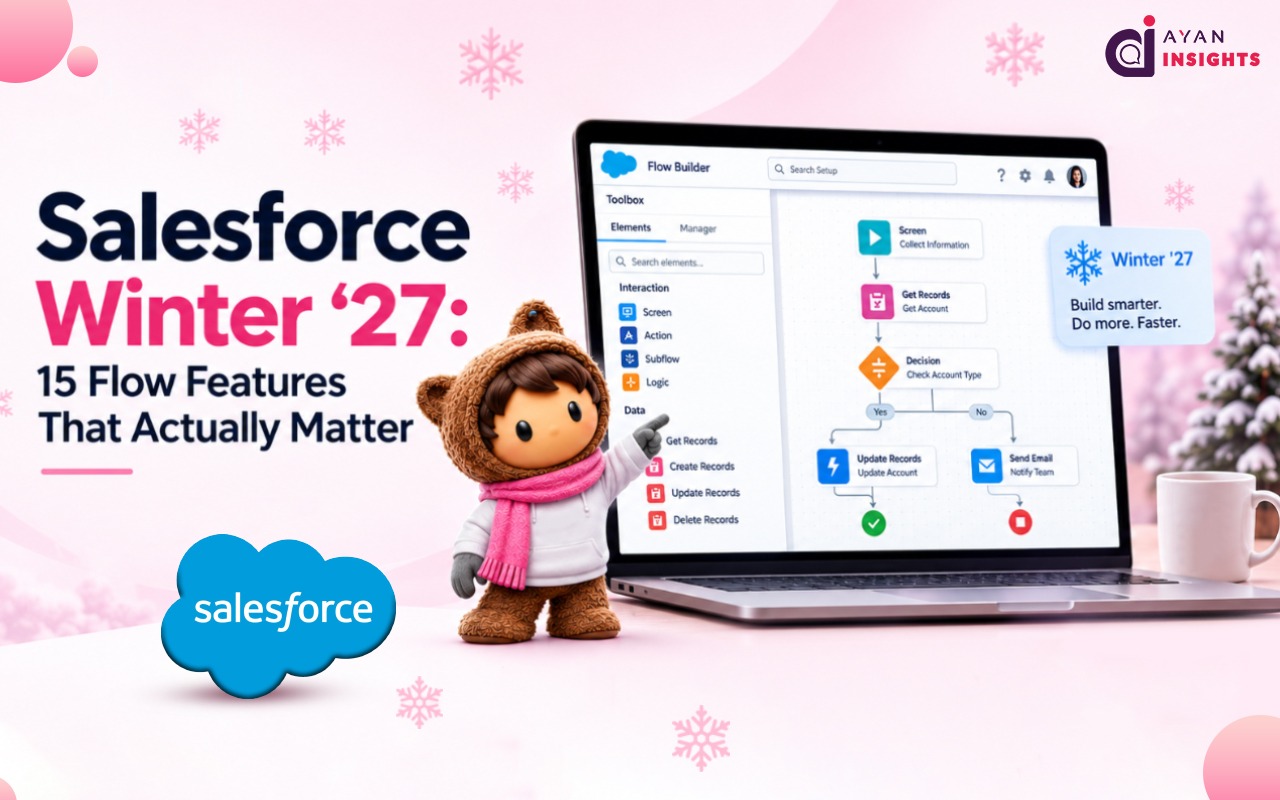
4. Flow Gets Its Biggest Makeover in Years
If you build Flows, this is the section to read twice. Salesforce packed a lot into this release.
- Flow Tags: Organize your flows by tag instead of relying only on naming conventions.
- Unused Resources filter: Instantly see which variables in a flow are no longer being used.
- Collapsible sections: Group parts of a flow and collapse them so you can focus on one piece at a time.
- Split by Field Value: Branch your flow logic based on a field’s value, without stacking multiple Decision elements.
- Flow Test Mode: Save test scenarios, run checks automatically, and track how much of your flow is actually tested.
- Multi-record screen flows: Launch a screen flow for several selected records at once, right from a list view.
- New Time component: Capture a time value directly, instead of using the old picklist workaround.
5. Your Login Method Might Be Going Away
This is the one you should not skip. Salesforce is retiring the OAuth 2.0 username-password login method for connected apps.
- If any of your integrations still use this method, they need to switch to a newer login method (web-server flow or client-credentials flow).
- Integrations that do not switch will simply stop getting access, with no warning shown in the interface.
- Check this now. Do not wait until your integration breaks to find out.
6. Control Who Can Edit Shared List Views
Admins get more say over list view permissions in this release.
- Give users more specific control over what they can share or edit.
- Avoid handing out more access than people actually need.
- Especially useful for bigger teams with different user groups.
7. Let AI Help Investigate Security Issues
Security Center now comes with AI-assisted investigation tools, still in Beta.
- Get help spotting unusual activity in your org.
- See a timeline of what happened during an incident.
- Get a risk score and a suggested plan for fixing the issue.
This does not replace your security team. It just helps them figure out what to look at first.
8. Developers Get a Bigger Apex Toolbox
If you write Apex code, a few things change under the hood in this release.
- Apex now runs on API version 67.0.
- Apex triggers run in a “without sharing” mode by default for database operations at this version and later, so double-check your sharing rules.
- The Apex heap limit increased, giving you more room for handling large amounts of data.
Test your existing code in a sandbox before this rolls out to production.
9. Service Teams Can Run Multiple AI Agents at Once
Instead of one AI agent trying to handle every kind of customer request, Winter ’27 lets you run several specialized agents together through Service Assistant.
- Assign different agents to different types of requests.
- Combine this with dynamic service plans that adjust the resolution steps in real time based on the situation (still in Preview).
- Helps bigger service teams avoid one agent trying to do everything at once.
10. Apex and Data 360 Can Now Talk to Each Other Directly
Developers working with Data 360 get a new option: running Data 360 SQL queries straight from Apex code.
- Build more advanced, data-driven features without extra workarounds.
- Combine your custom logic with Data 360 data in one place.
- Useful for teams building more complex automation or AI-powered features.