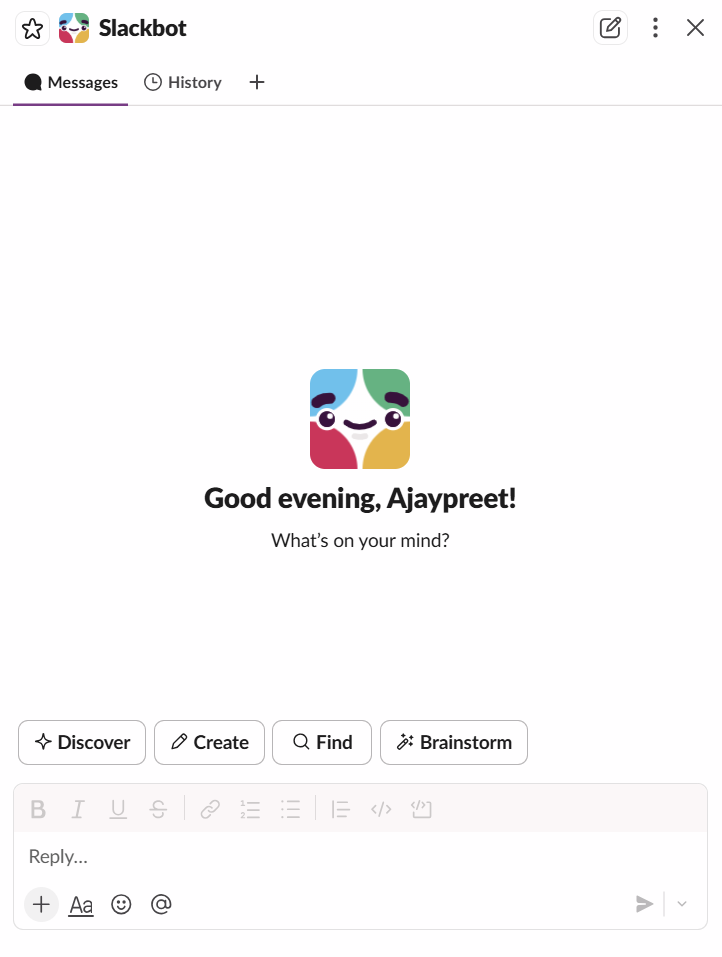
Slackbot is Slack’s new AI Agent that will act as your personal AI assistant at work. It’s not just a simple AI chatbot; it’s grounded with your organisation’s entire workspace’s data to serve you in the best possible way. One click is all it needs to make your day and life simpler than ever.
Here are the features that it supports:
Calendar Management: Google and Outlook Integrations are supported with Slackbot. Connect your calendar with Slack to get help with scheduling, like finding available time schedules, reviewing the schedule and helping in coordinating meetings.
Salesforce: Slackbot can query your Salesforce records like Accounts, Contacts, Opportunities, etc., using SOQL queries from the connected Salesforce org.
Slack Features
- It will help search messages, canvases, files and conversations across the workspace, even the years-old data that you can’t easily find or dig through.
- Assisting in finding channels and people.
- Reading DMs and Channel messages that you have access to. It can’t read the private conversations of others in the workspace, so it respects the privacy of everyone.
- It can read even the canvases, files and documents, and it can even create and update the canvases.
- In case you need reminders, it can remind you of your important things, so you won’t miss crucial meetings and notifications.
Actions Slackbot cannot perform at the moment
- Creating Slack lists, so you have to create one manually.
- Managing or creating workflows.
- Seeing private conversations or private channels.
- Modifying workspace.
- Creating Slack apps.
- Modifying User Profiles.
- Sending messages to channels/people on your behalf.
- Creating, Editing or Deleting Salesforce Data.
- Accessing Salesforce reports, dashboards, flows, etc.
Data Slackbot cannot access at the moment
- Private DMs or conversations that you are not a part of.
- Admin-level analytics, for instance, Workspace metrics.
- Accessing data directly from 3rd party applications like Google Drive, Dropbox, and Asana, but if the data or files are shared in Slack messages, then it can access that.
Pricing
It’s available in Business+ and Enterprise+, so if you are on a lower plan, you have to upgrade to Business+ and Enterprise+ to use it. There are usage limits on Business+ plan users, but there is no limit on Enterprise+.
For more information about pricing, refer to https://slack.com/intl/en-gb/pricing