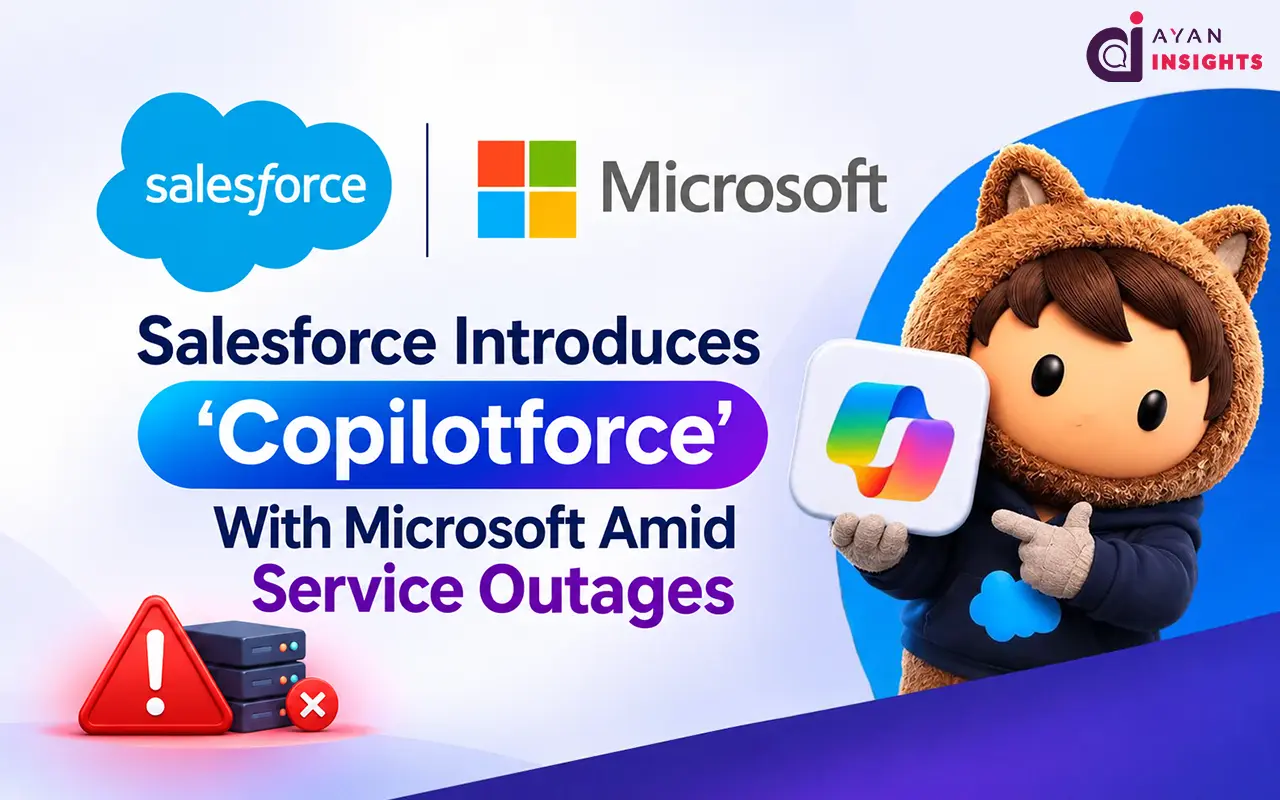
Salesforce and Microsoft launched Copilotforce at Microsoft Ignite on 17th November. It enables Microsoft’s tools to utilise Salesforce’s customer and sales data. Ideally, this means people involved in sales do not need to switch from Copilot or Teams to view the status of sales opportunities. News of the Copilotforce launch follows news of a large disruption to Microsoft 365. These are not related, and below I briefly explain the latter.
What is Copilotforce?
This tool is not a new chatbot, nor is it a new Salesforce product. Rather, it is a collaboration between Salesforce and Microsoft which integrates Salesforce with Microsoft’s Copilot, Teams and Fabric products. The former two add Salesforce’s CRM information to salespeople’s working environment. Meanwhile, Fabric bridges Salesforce’s Data 360 with Microsoft’s data platform. Separate to Copilotforce, Salesforce CRM and Agentforce continue unchanged, with Copilotforce building on these.
How Does Salesforce Work With Microsoft Copilot?
Salesforce can be accessed via the Microsoft Copilot plug-in. Sales staff can therefore perform natural language queries and authorised Salesforce tasks within Copilot. Microsoft states that over 38 sales related ‘skills’ are available. Access to Salesforce is via a secure Salesforce MCP interface. MCP is an industry protocol which enables AI tools to interact with business systems. See our guide to building a custom Salesforce MCP server covers how that works.
Whilst simply enabling access to Salesforce data is useful, Copilot also utilises Work IQ – Copilot’s intelligent engine. This analyses both Salesforce information and supplementary material such as meeting notes, emails and files from Teams, Outlook and SharePoint/OneDrive. Even if a sales opportunity is progressing as expected according to Salesforce, Work IQ can identify concerns customers have highlighted in their Outlook email threads, for instance. The intention is to highlight such discrepancies.
Commonly, this results in automatically generated meeting notes compiled using a customer’s background and meeting notes; risk analysis of sales opportunities; and Word and PowerPoint documents containing strategies for closing sales opportunities. People can also generate templates to follow up on opportunities and suggest CRM updates for validation.
What Does the Salesforce Integration With Microsoft Teams Offer?
Sales Cloud for Teams, launched at Dreamforce, embeds Salesforce within the same environment as much of the sales discussion often occurs. Salespeople can monitor their pipeline and quota and are alerted to new sales opportunities. They can then view automatically produced summary information. Further, interactive cards are available for sales staff to edit relevant opportunity details, with updates then reflected on Salesforce. Agentforce Coworker enables salespeople to assign tasks within the Teams chat environment. Benefits include reduced need to switch between discussion areas and data. Note that this is currently still being piloted.
How Does the Salesforce Data 360 and Microsoft Fabric Integration Work?
Zero Copy allows data to be analysed on its original host system not transferred around via data pipelines. The Data 360-Fabric integration works both ways.
Data federation is one-way. Data 360 interrogates authorised data within Microsoft’s Fabric OneLake. For example, a service agent can view a customer’s recent buying history; a marketer can create a market segment based on spending trends; and an AI agent can respond using up-to-date information. Again, there is no transfer of source data from Fabric.
Conversely, Data 360 data dissemination sends selected Data 360 customer data to OneLake. This then allows data analysts to examine this alongside other corporate data. Microsoft terms this a Data 360 ‘accelerator’.
Put simply, data federation enables Salesforce to analyse Fabric data and data dissemination enables Fabric users to analyse selected Salesforce data. Neither process involves full data replication and only authorised or selected data is covered. Refer to our article on Data 360 MCP for further information on how to effectively provide appropriate information to agents.
What About Security and Data Governance?
Salesforce in Copilot is accessed securely and maintains the same authorisation, sharing and auditing functionality as in Salesforce itself. Salesforce controls who can access and what business functions can be performed. Microsoft then enforces its own security governance on chat and documentation.
Furthermore, CRM write-back must be manually approved and honours existing data validation procedures. Although well designed in this respect, there remains potential risk. Administrators should assess which data each integration can access. Indeed, our article analysing ARTEX attacks on Salesforce orgs emphasises the importance of regularly re-evaluating integration access.
When Will Copilotforce Be Available?
Salesforce in Copilot and Data 360 data dissemination is both currently in beta. Only data federation is widely available. Sales Cloud for Teams is also being piloted.
Salesforce in Copilot is accessible in beta via AgentExchange and the Microsoft Copilot plug-in catalogue. Microsoft states that it intends to later open beta access to Teams. No details are provided regarding costs, licensing or precise geographical availability. Both note that access is subject to customer contracts. Accenture is both the development partner and Customer Zero. It is implementing and testing the integrations within its worldwide sales force.
How Does Microsoft Outage Fit In?
Around 4.20PM UTC on 12th November until 4.10PM UTC on 13th November, Microsoft 365 experienced significant disruption. Primarily, Exchange Online and Outlook were impacted, with secondary effects on other services, including Teams and Copilot. According to Microsoft’s initial investigation, the outage resulted from a combination of an underlying issue relating to Microsoft’s network gateway servers arising from a July update, increased Teams usage of the same gateway, and already approximately 14% of Microsoft’s capacity being unavailable. Charles Lamanna, a Microsoft executive, stated that there had been no evidence of nefarious behaviour. Since then, Microsoft has released a final investigation report. None of this has any bearing on Copilotforce.
What Does This Partnership Mean for Salesforce Users?
Providing Copilotforce functions as outlined, sales people may reduce the amount of time they switch between Salesforce, Outlook and Teams. However, Copilotforce currently exists as both a beta plug-in and a pilot application. Consequently, it should be explored rather than implemented immediately.
Start with permissions: Admins can review permission sets, validation rules and which data Copilot should reach before anyone joins the beta.
Look at the federation first: Data teams have the more immediate option, since it is already generally available.
At present, Copilotforce should principally be seen as an insight into Salesforce and Microsoft’s future direction. Of the three components, only data federation is immediately usable.
References
- Salesforce: Salesforce and Microsoft Announce Copilotforce
- Microsoft Source: Microsoft and Salesforce Announce Copilotforce
- Office Watch: Microsoft 365 Outage Explained (includes the preliminary post-incident report)
- Slashdot, citing Neowin: Final Post-Incident Report
Also Read
Agentforce Integration: RAG Pipelines, Indexing and Security